One-pager security description — vitals, valuation, consensus, headlines, drill-down mnemonics.
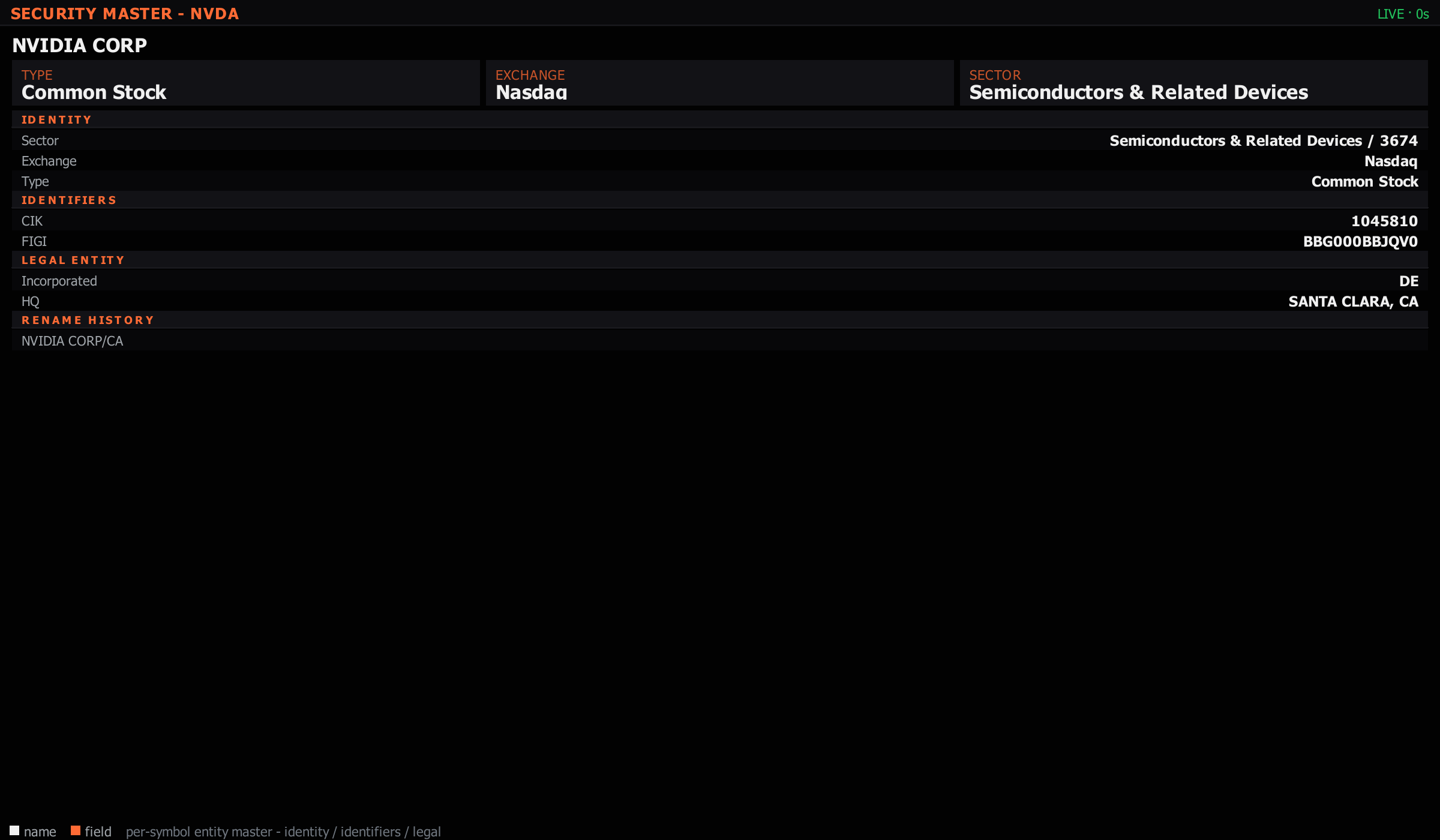
DES is the canonical "tell me everything" one-pager for a security. It composes data the terminal already collects — Fundamentals, Earnings, News, IV, GEX, Insider, Holdings, Analyst Ratings — into a single dense screen. Open it first when you encounter a name you don't know; drill into the deep panels via the mnemonics at the bottom of the panel.
Ctrl+P, then # and the panel name.Ctrl+P, then @ and the ticker — the panel follows its link group.onepager, summary all open the same panel.Reach for DES whenever you're looking at a name you haven't worked with before. It's the orientation panel — twenty seconds gets you the company's shape (sector, size, growth profile, profitability tier) and the immediate context (recent earnings, recent news, what the street thinks).
For names you already know, skip DES and go straight to the deep panel that matches your current question. DES is for "what is this thing?" — once that's answered, the deep panels do the work.
