Every panel type, what it shows, and how to open it.
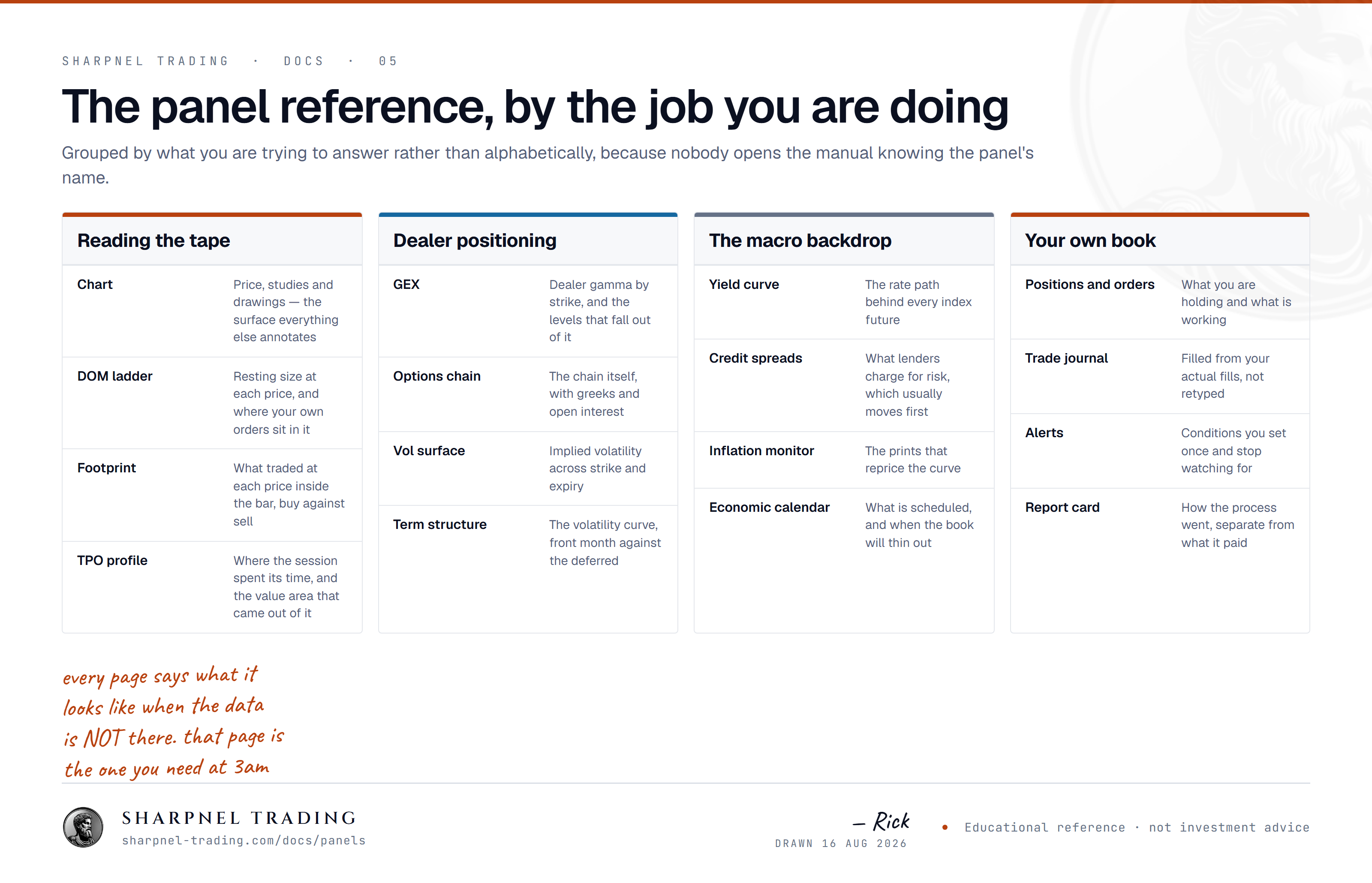
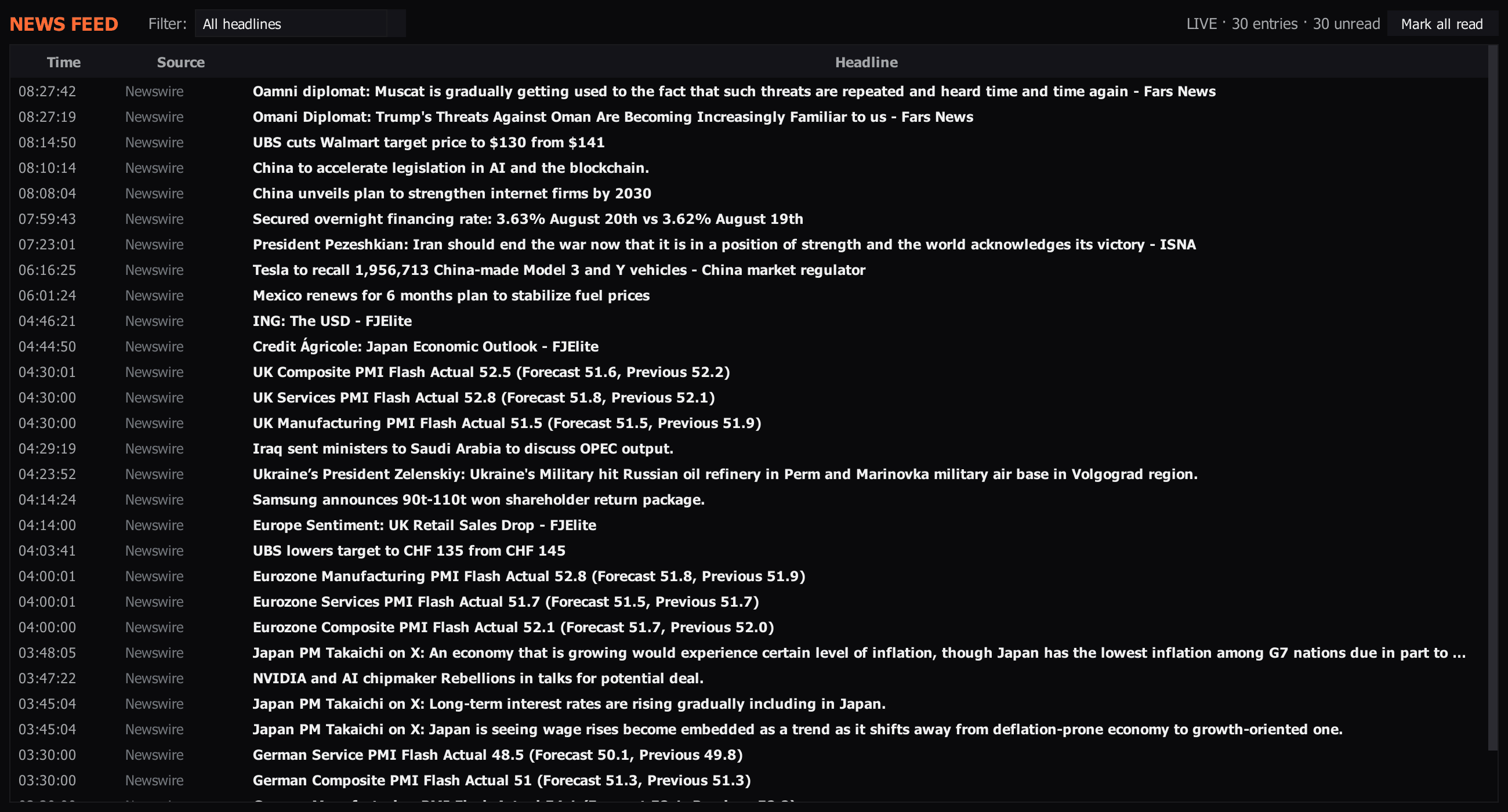
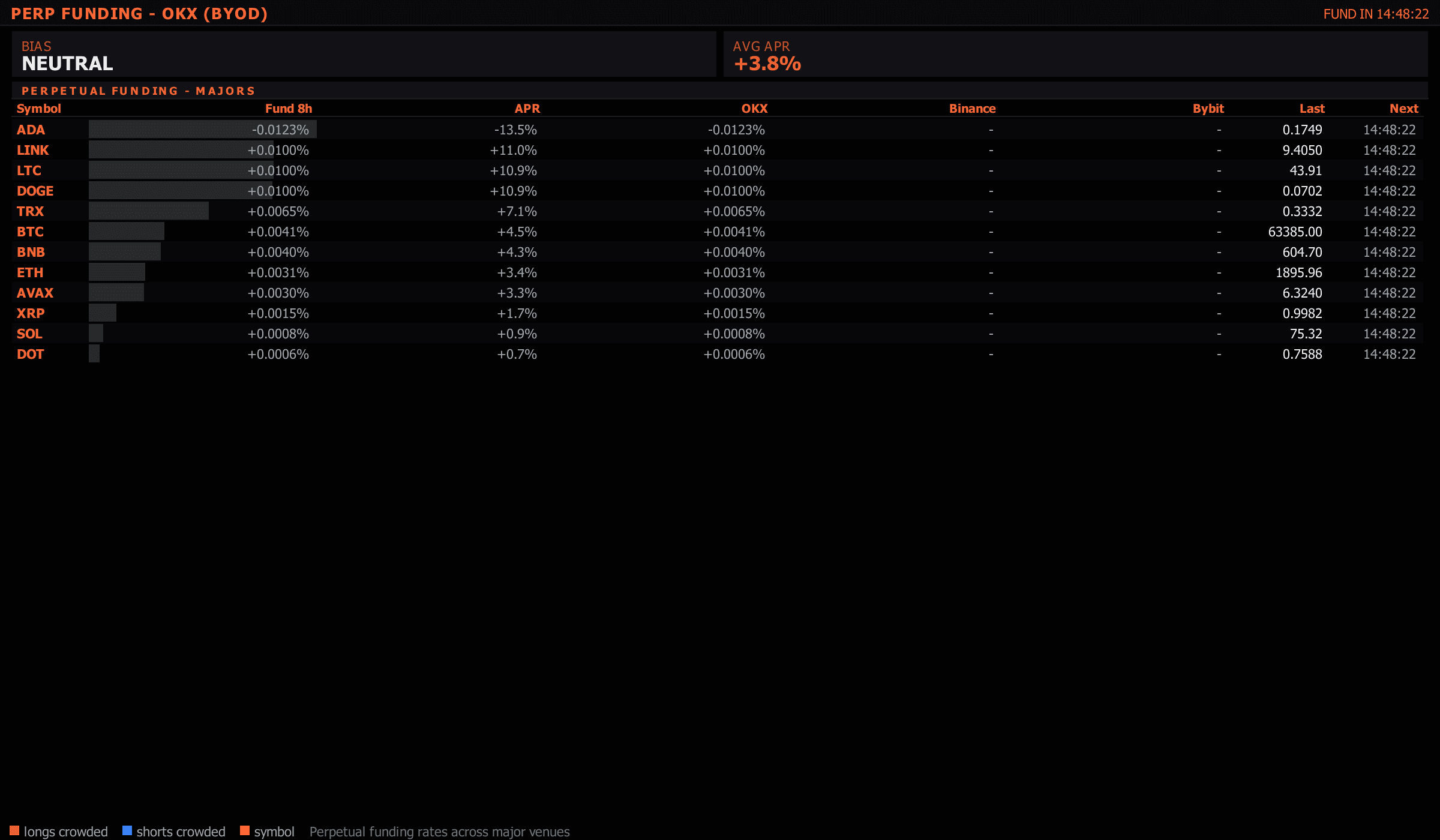
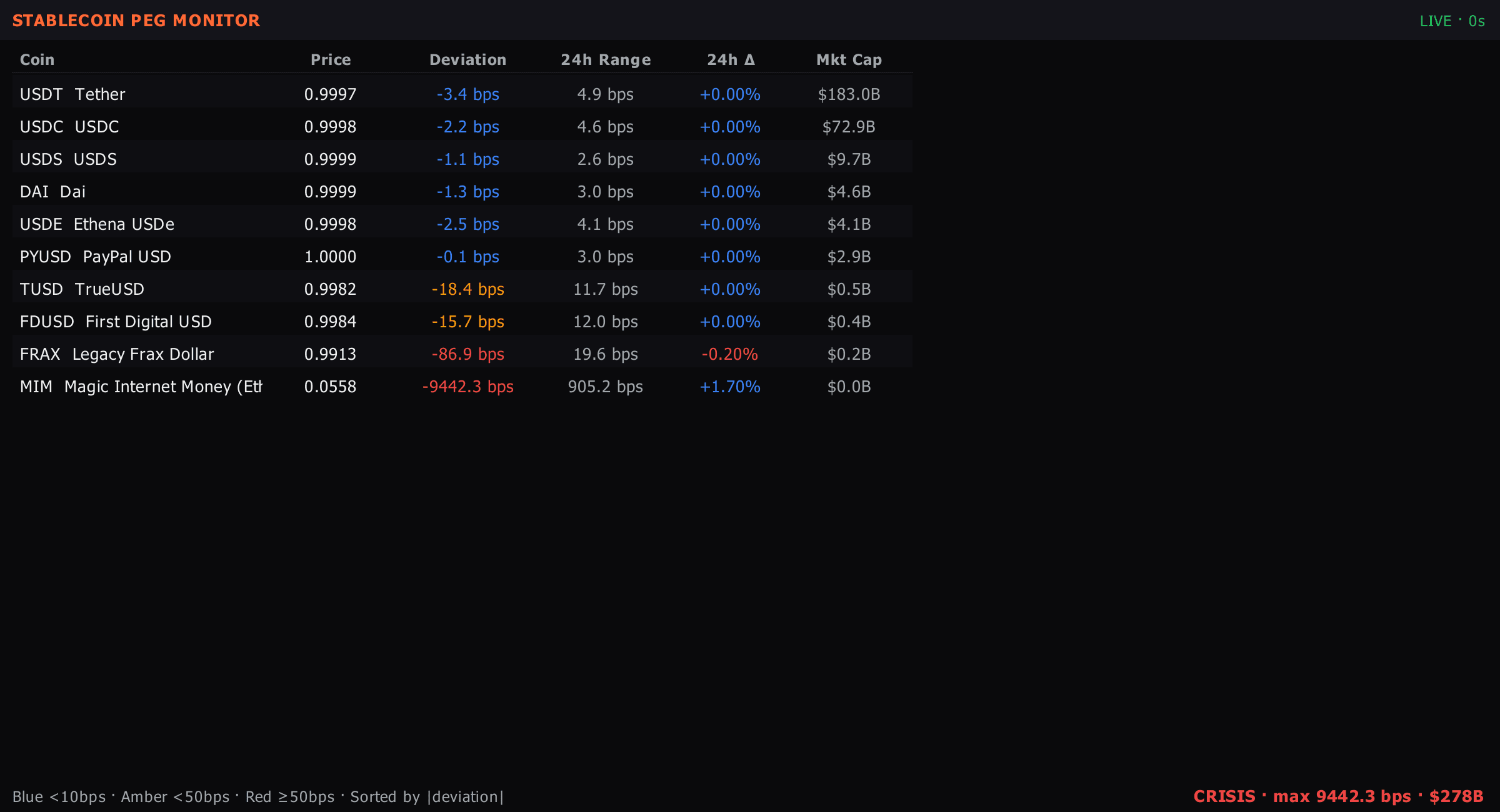
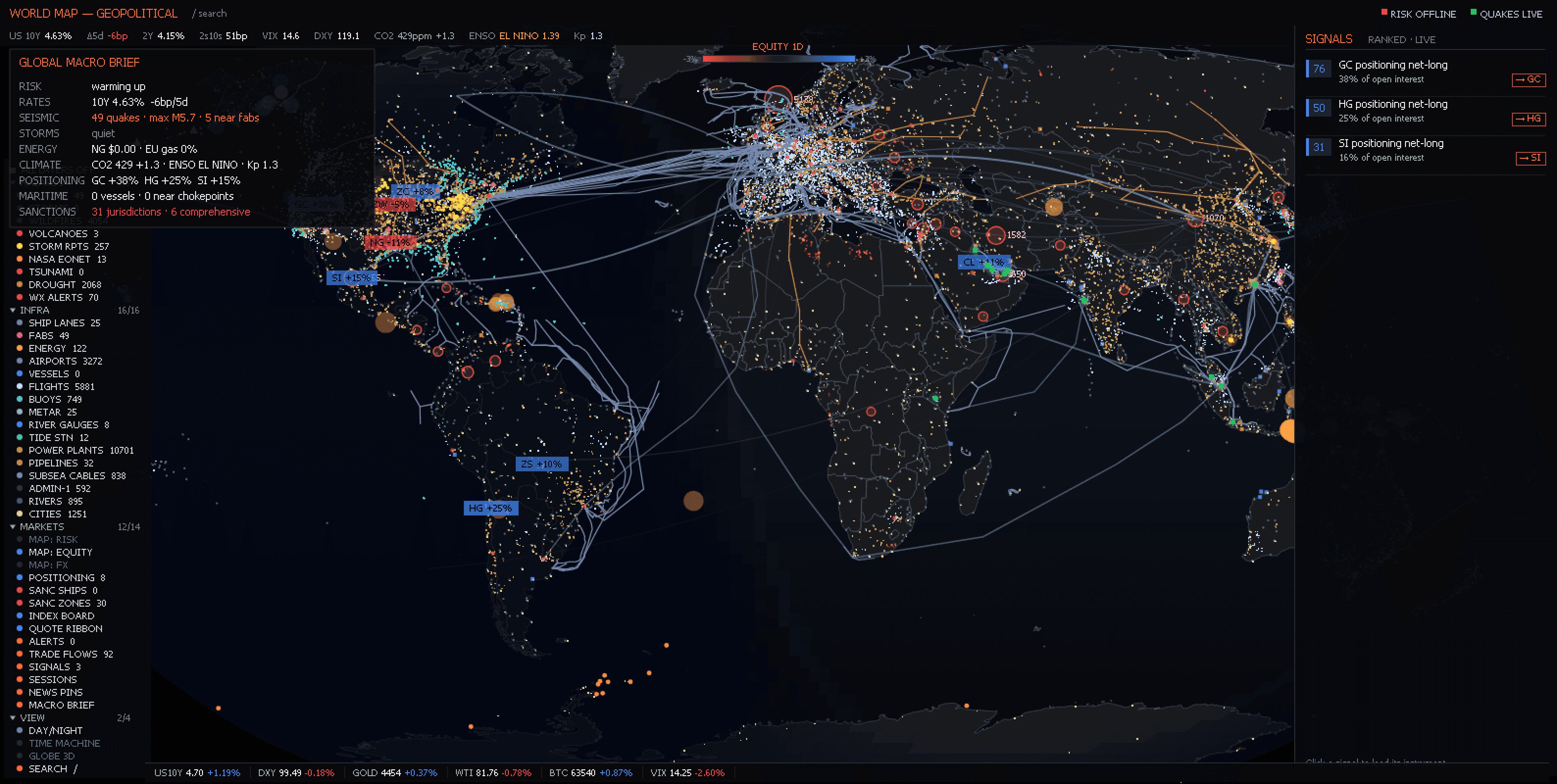
Every surface in the terminal is a panel. Charts, order books, option chains, news feeds — the same primitive, docked side by side, stacked as tabs, or pulled out into a floating window on another monitor.
Three ways to open one, and all three work on every panel here. The Add Panel menu, grouped the same way this page is. The command palette on Ctrl+P, which finds a panel by name. Or the symbol-first bar at the top of the window, which takes a symbol and a verb: ES CHART, ES DOM, ES FOOTPRINT, ES TPO, ES QUOTE. A symbol on its own re-points the desk without opening anything.
49 panels documented. Each page says what the panel shows, column by column, and what a good and a bad reading looks like.
Order book with Pull/Stack, MTF Value Area, Reconstructed Tape, DOM Volume Bars, and persistent VWAP / POC / gamma overlays. The headline order-flow surface.
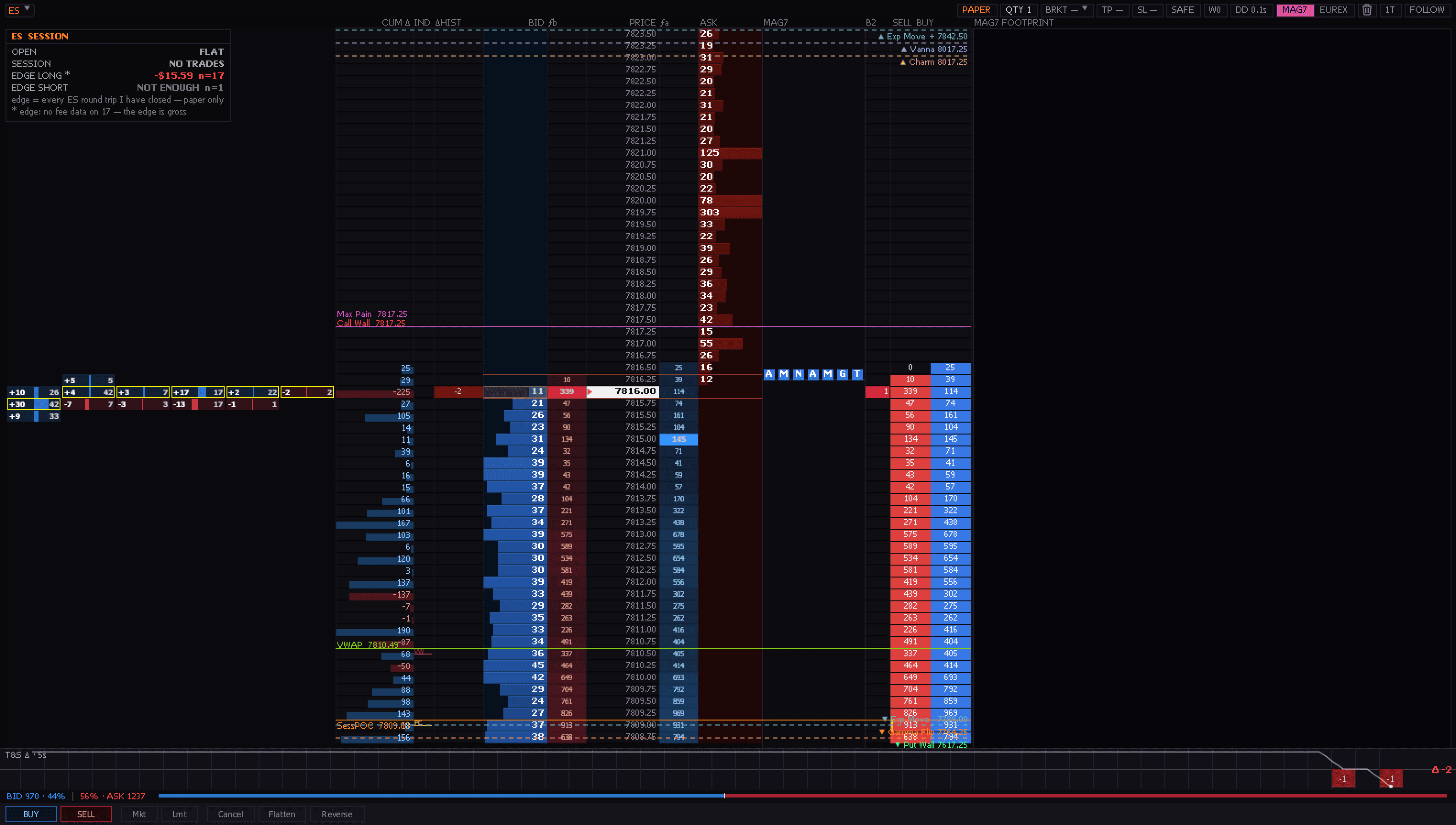
Bid/ask volume inside every candle. Imbalance coloring.
Time-Price-Opportunity letters. Composite and split modes.
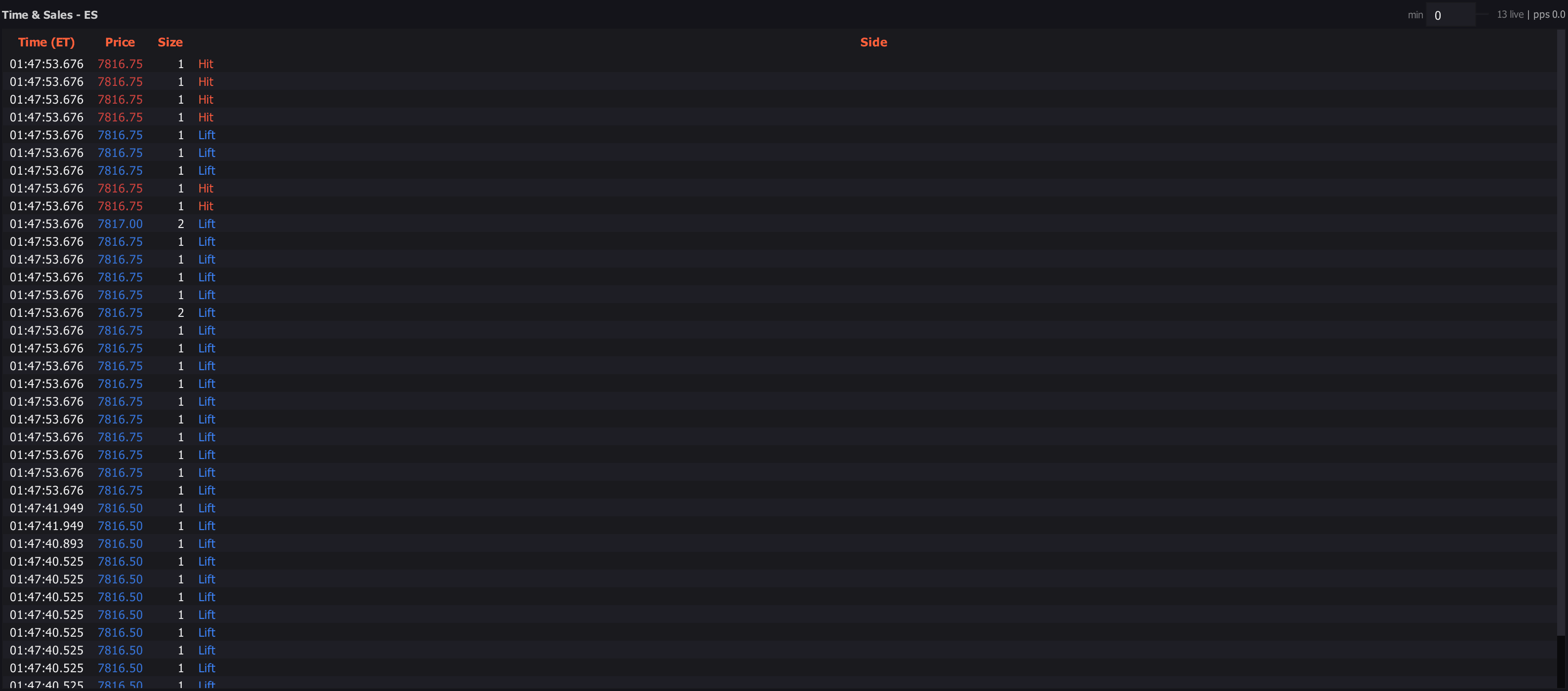
The print tape.
Re-watch a stretch of your session — the tape, the chart and your own actions on top.
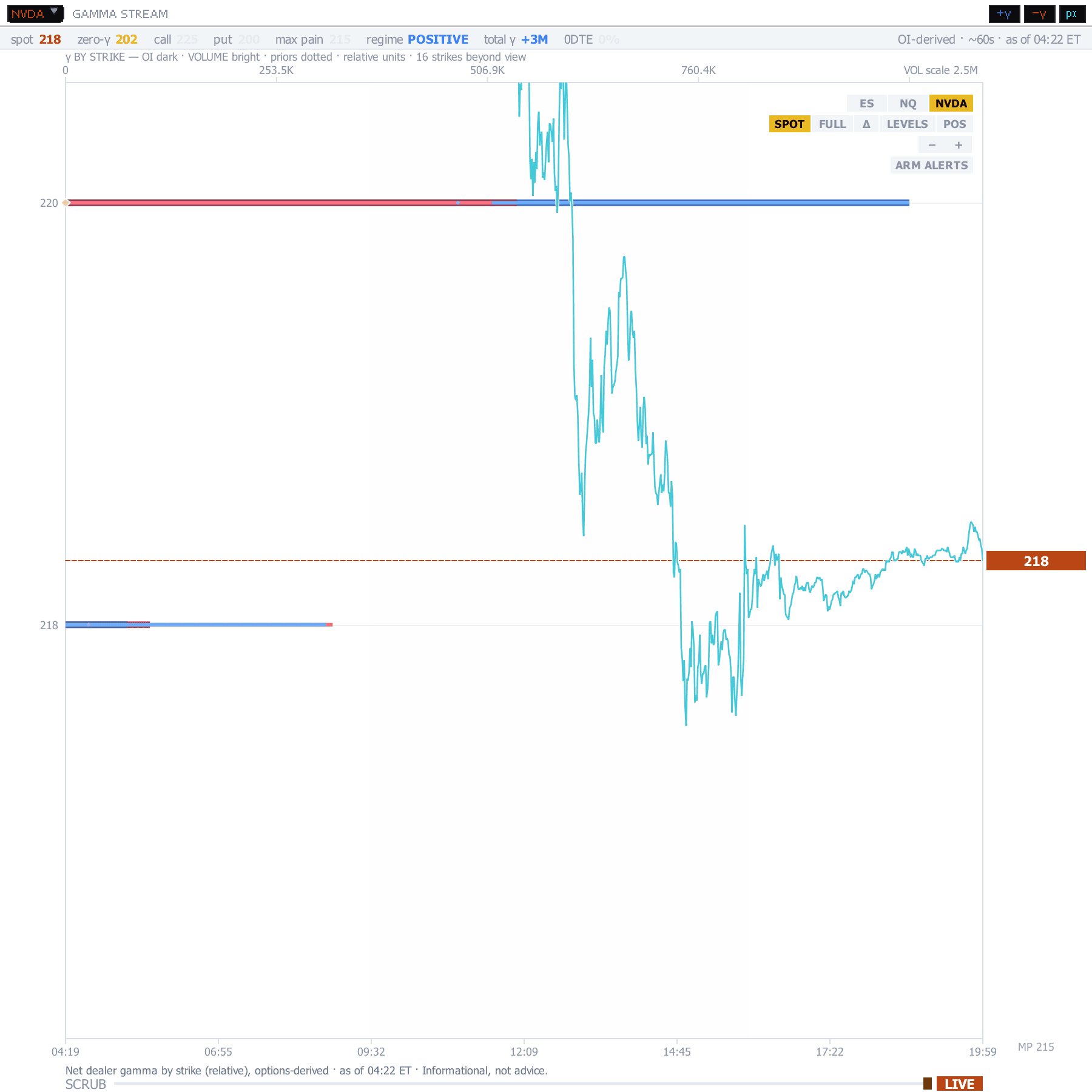
GEX dealer-gamma levels — call wall, put wall, gamma flip and more — drawn on the same chart as the DOM and footprint. Read where dealers defend.
Full chain, Greeks, IV surface, unusual activity.
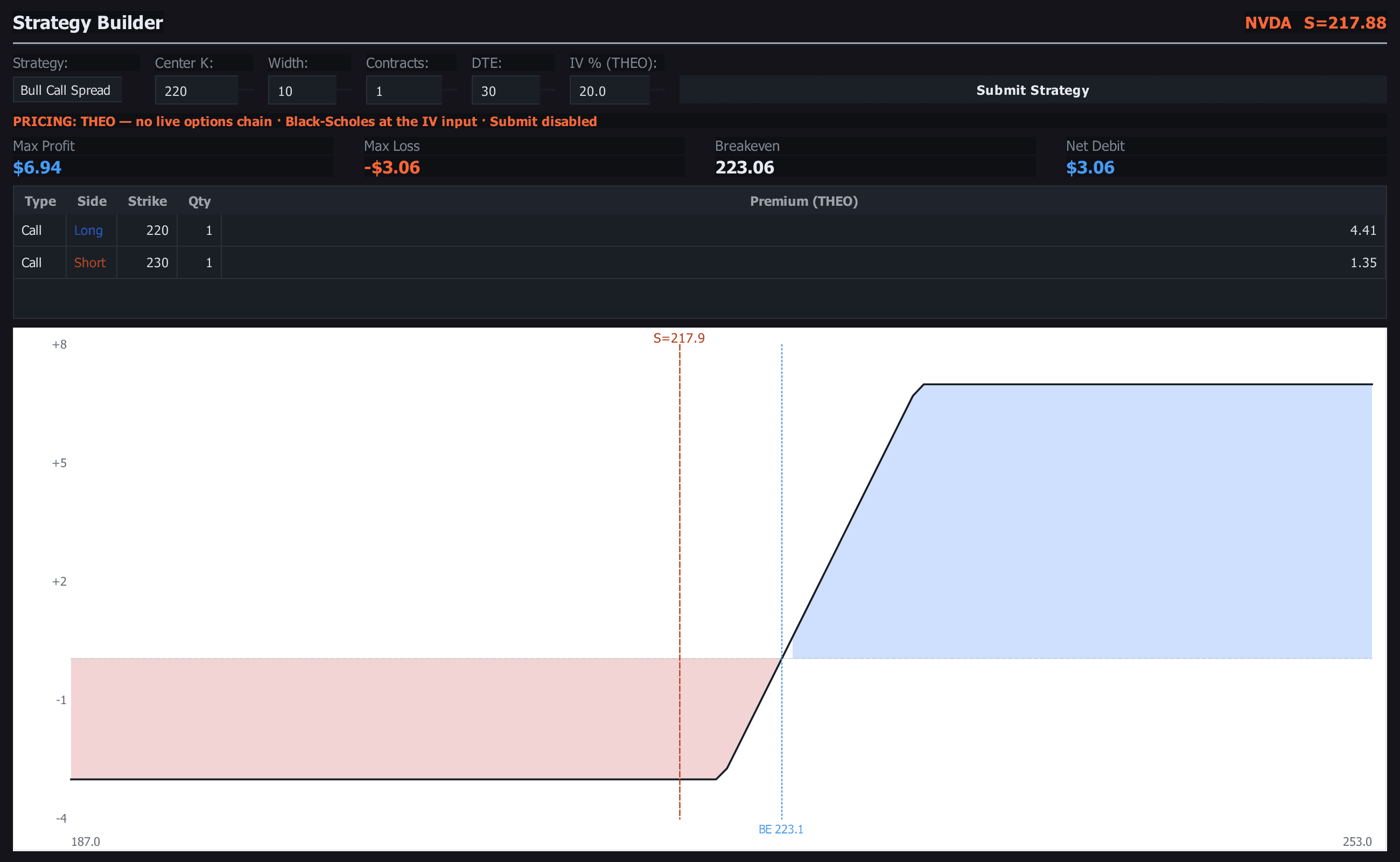
Preset payoff diagrams — vertical / condor / butterfly / straddle.
Per-expiry max-pain + concentration + composite pin score.
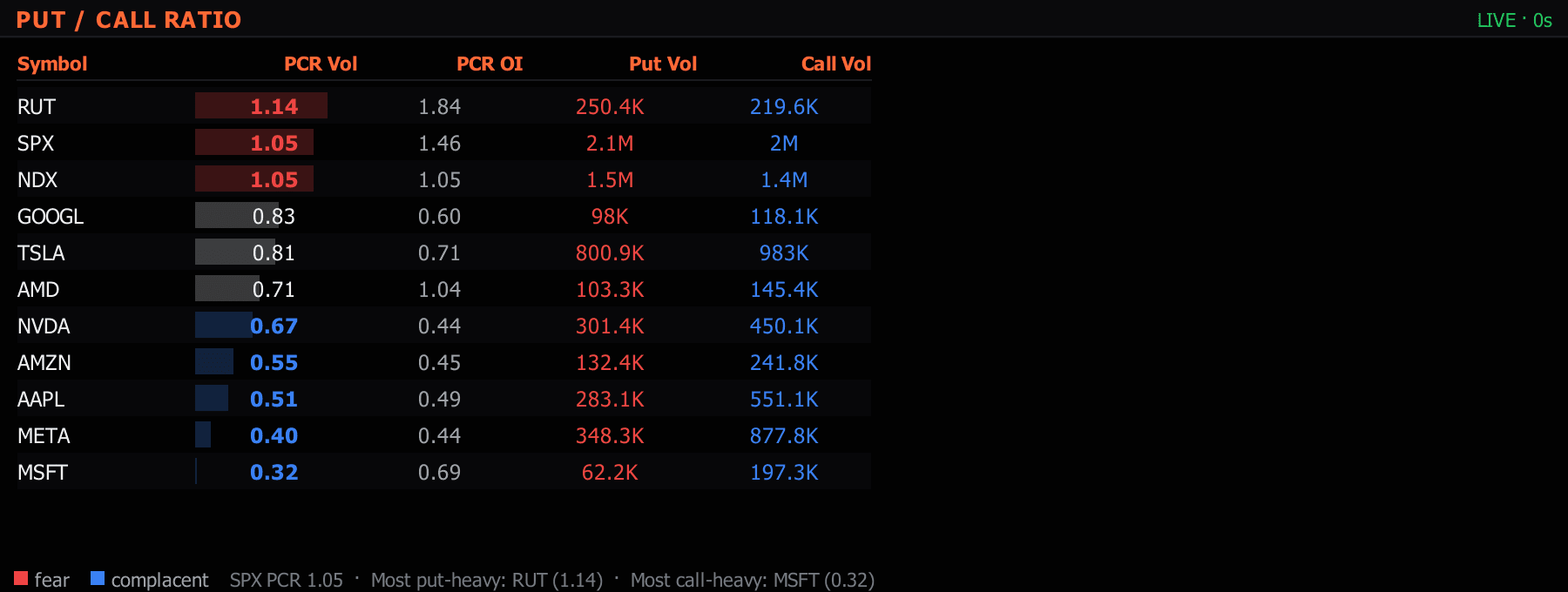
Options sentiment gauge across SPX / NDX / VIX + major names.
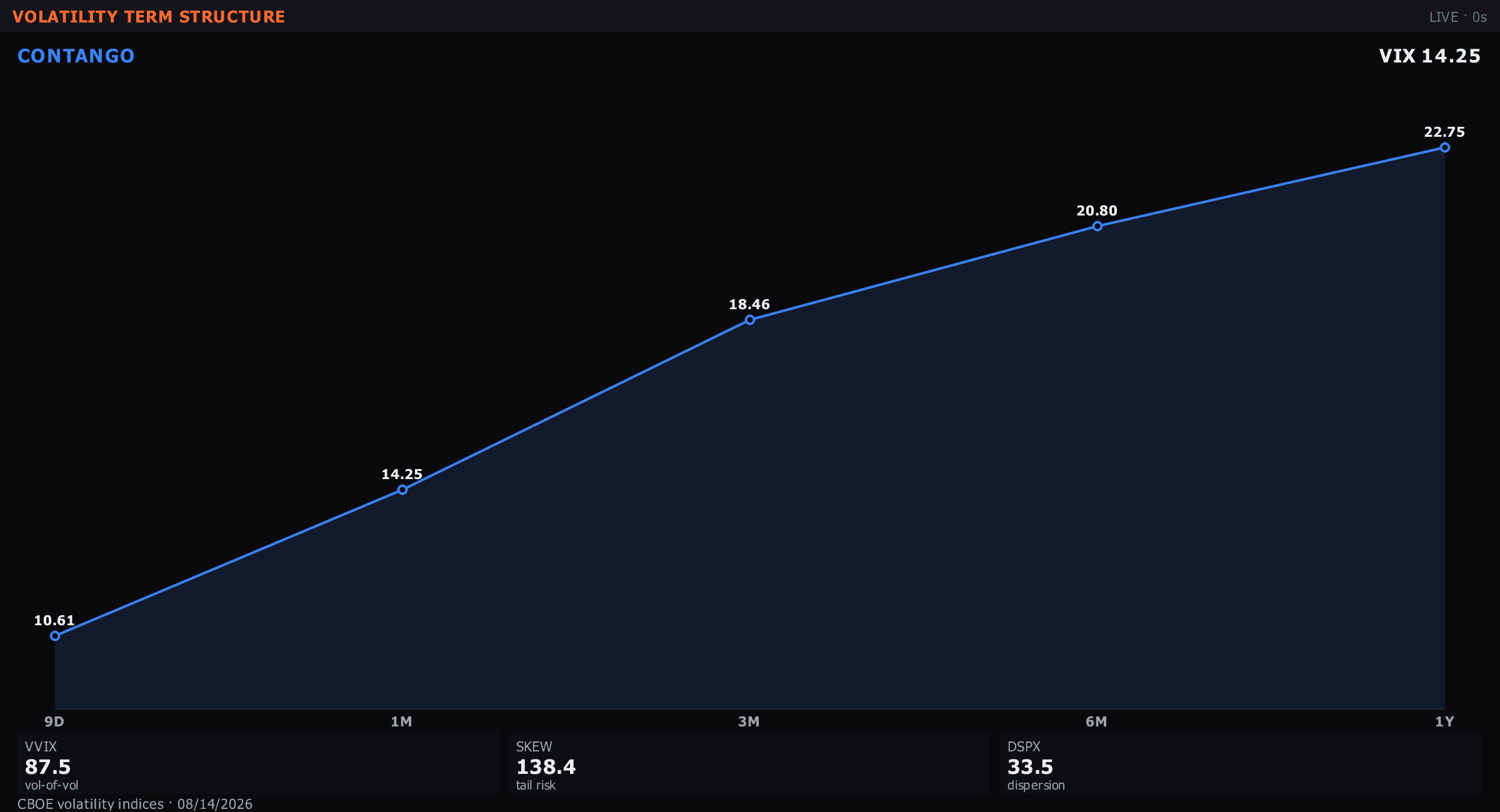
Contango / backwardation curve for VIX / ES / CL / GC / ZN.
3D implied-volatility surface — strike × DTE × IV. Reads put skew, call skew, contango / backwardation at a glance.
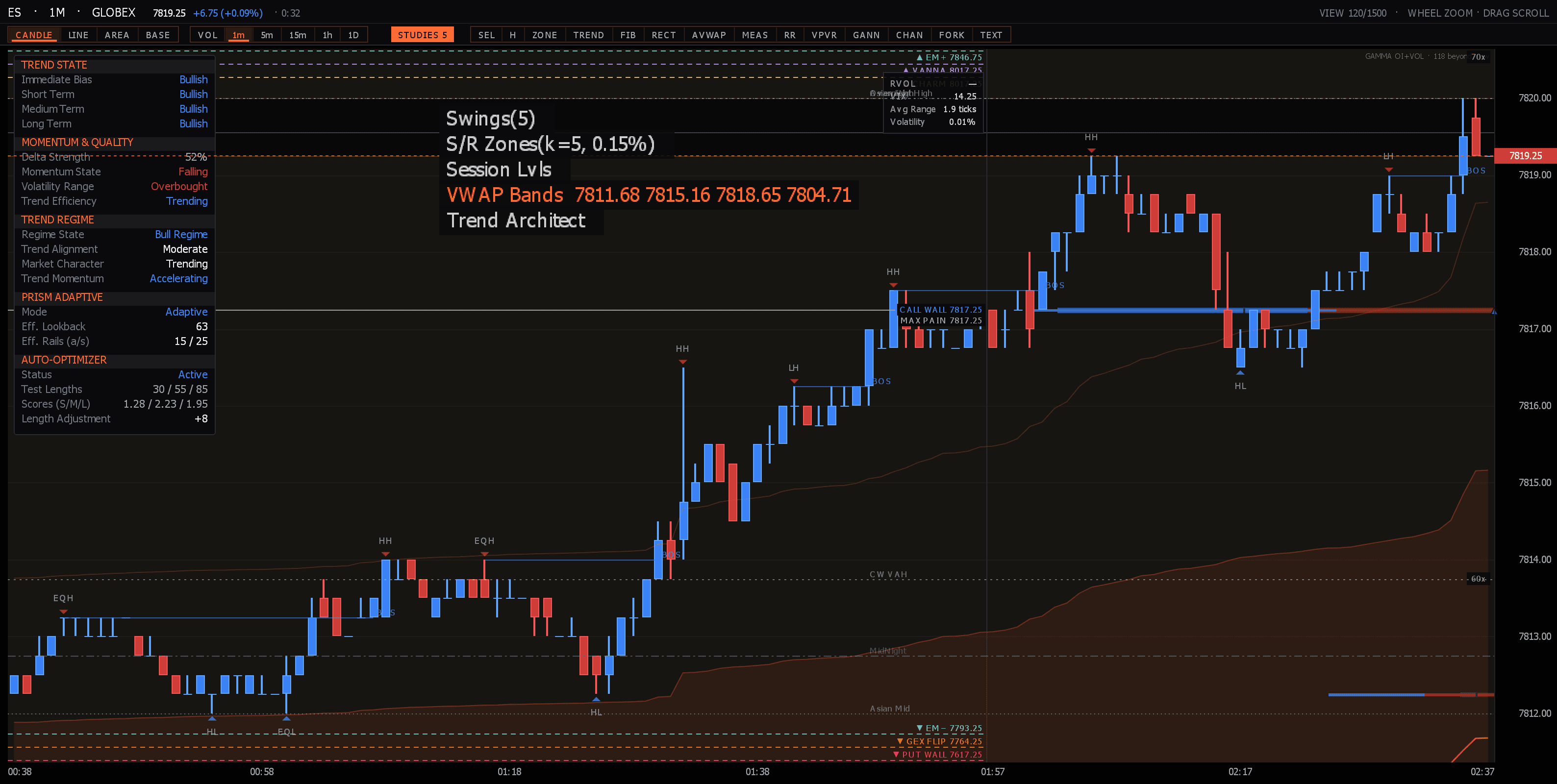
Candles, indicators, drawings. The primary surface.
Multi-symbol side-by-side fundamentals + peer-relative metrics.
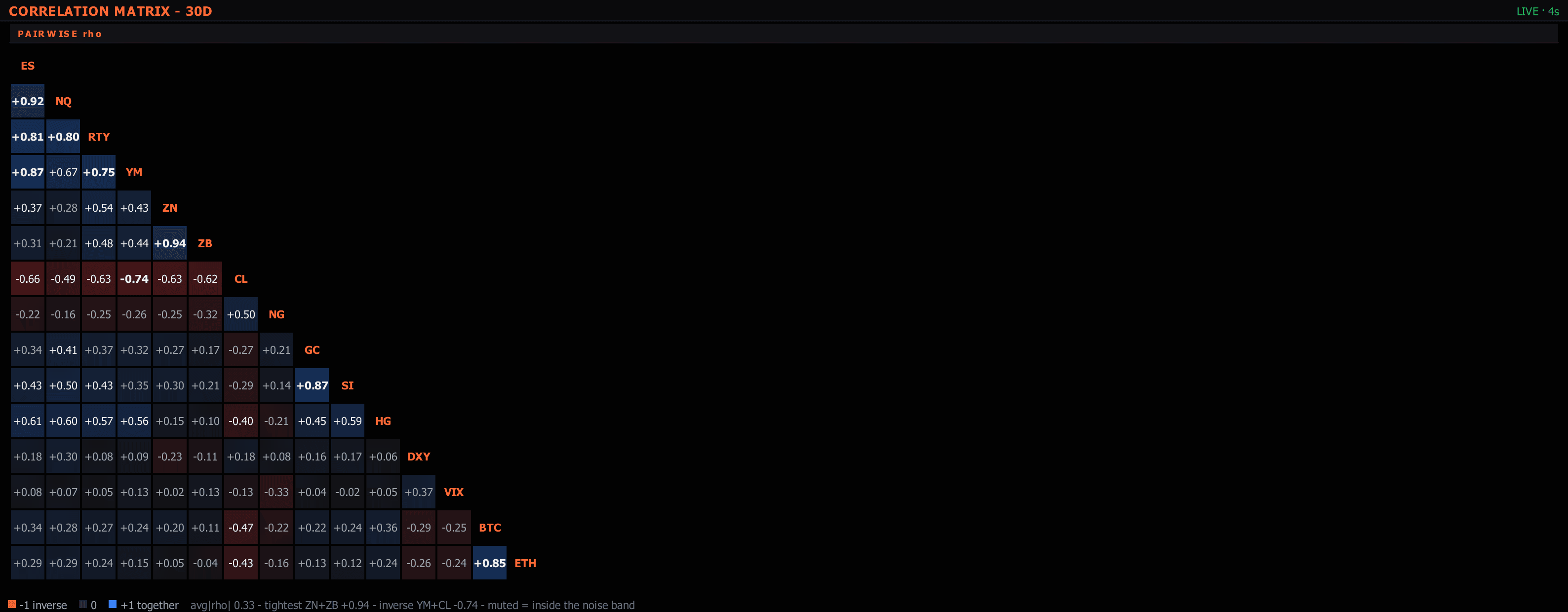
N×N symbol correlation grid + diversification register.
Two-leg rebased relative-value with z-scored ratio + ±σ bands.
OLS regression vs SPY — beta, alpha, R² across 60/120/252-day windows.
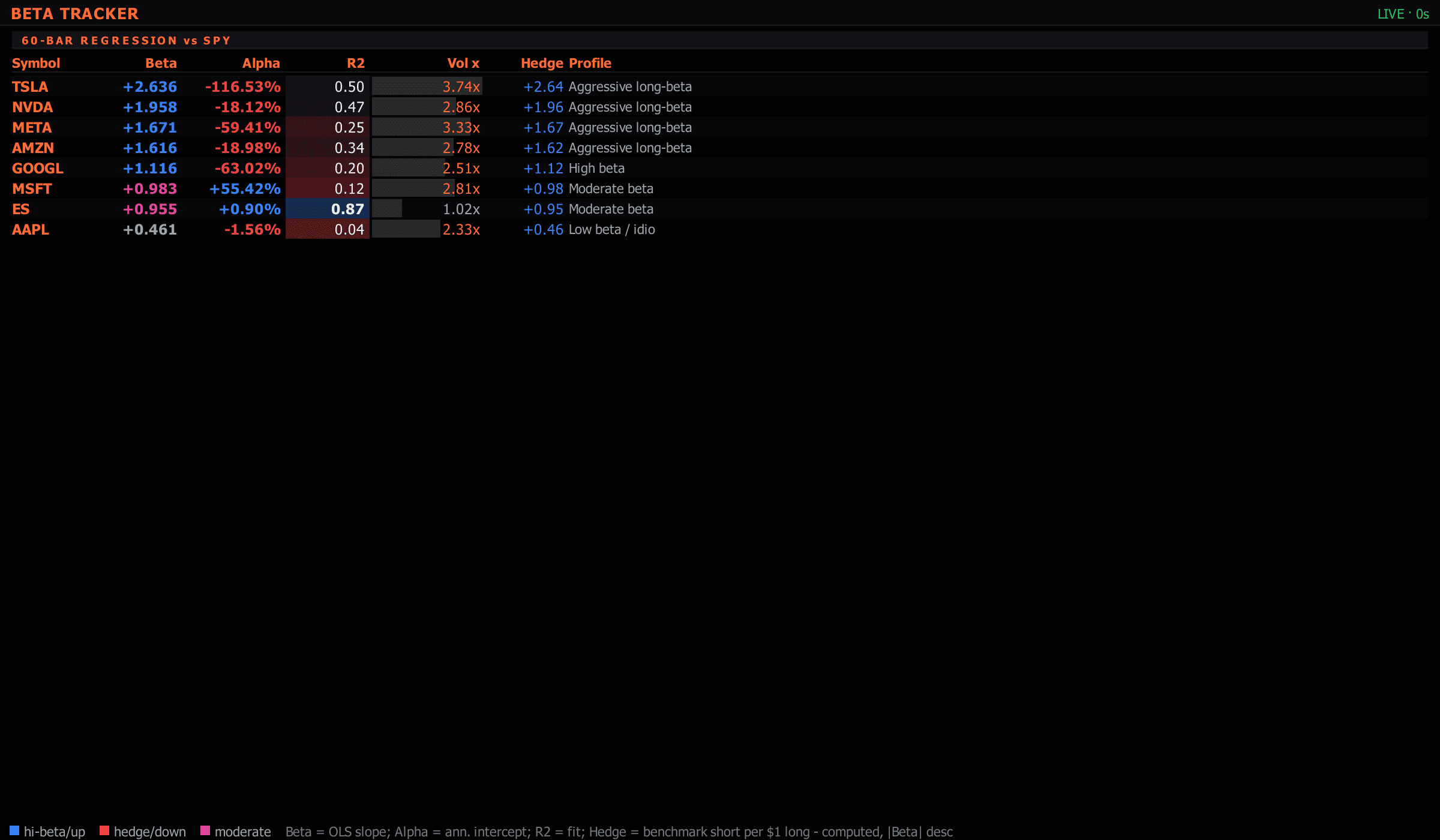
Symbol-scoped β / α / R² vs benchmark.
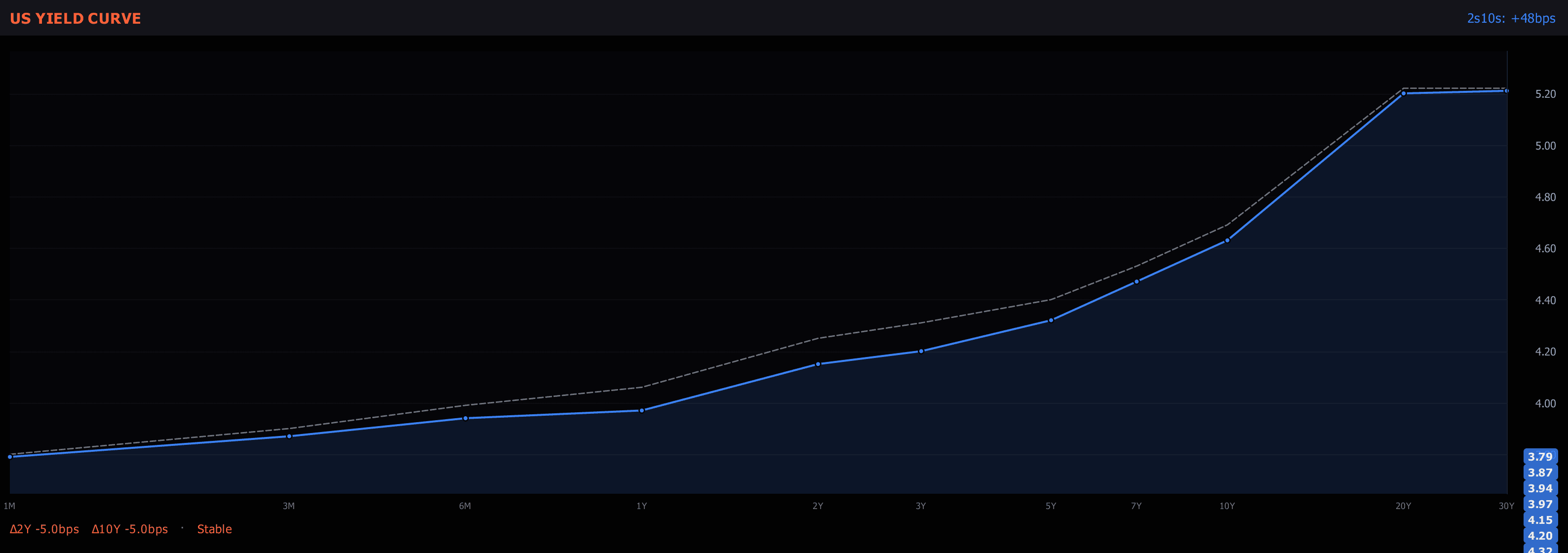
US Treasury 1M-30Y curve + key spreads + regime classifier.
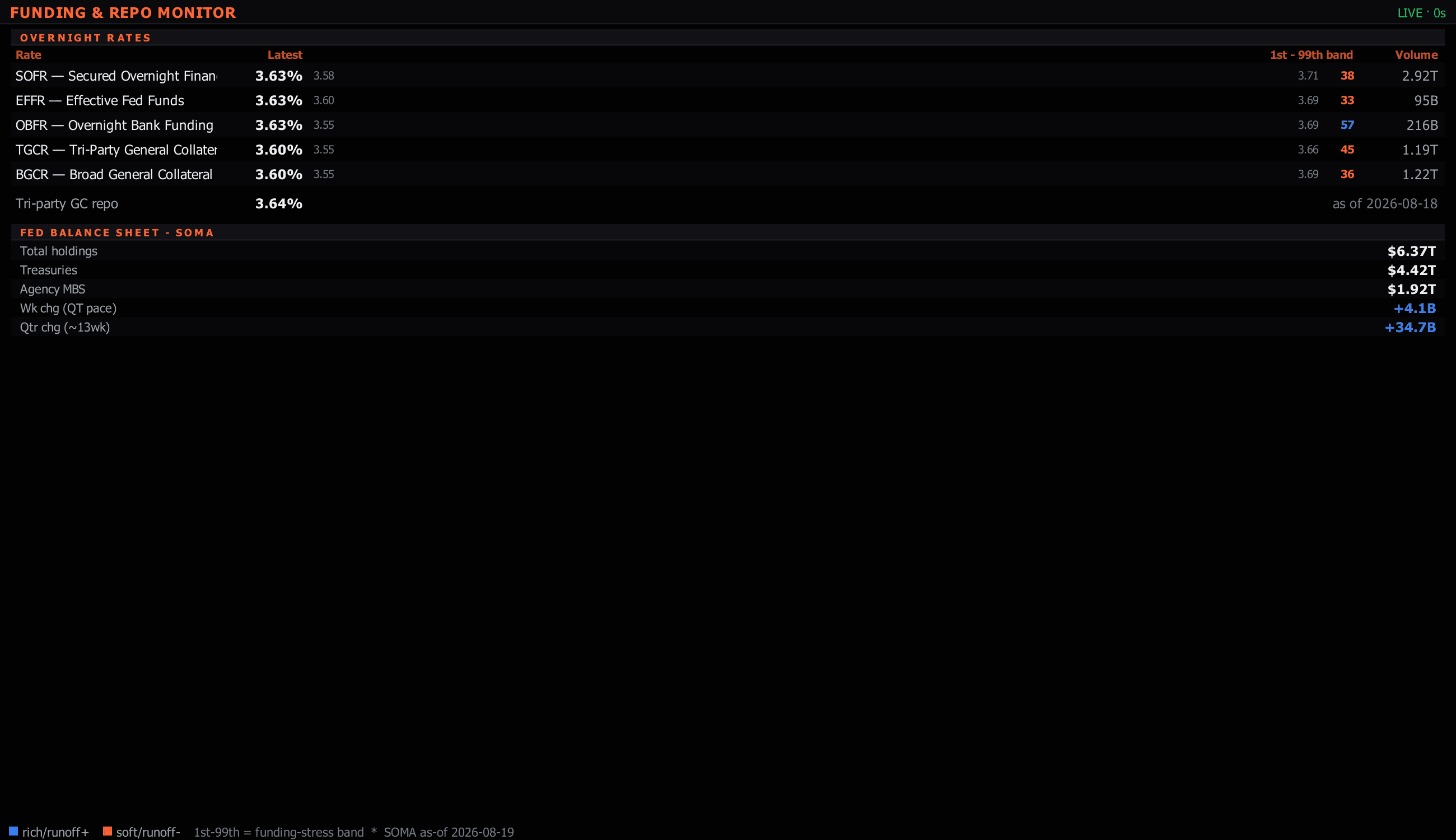
NY Fed reference rates (SOFR/EFFR/OBFR/BGCR/TGCR) + key stress spreads.
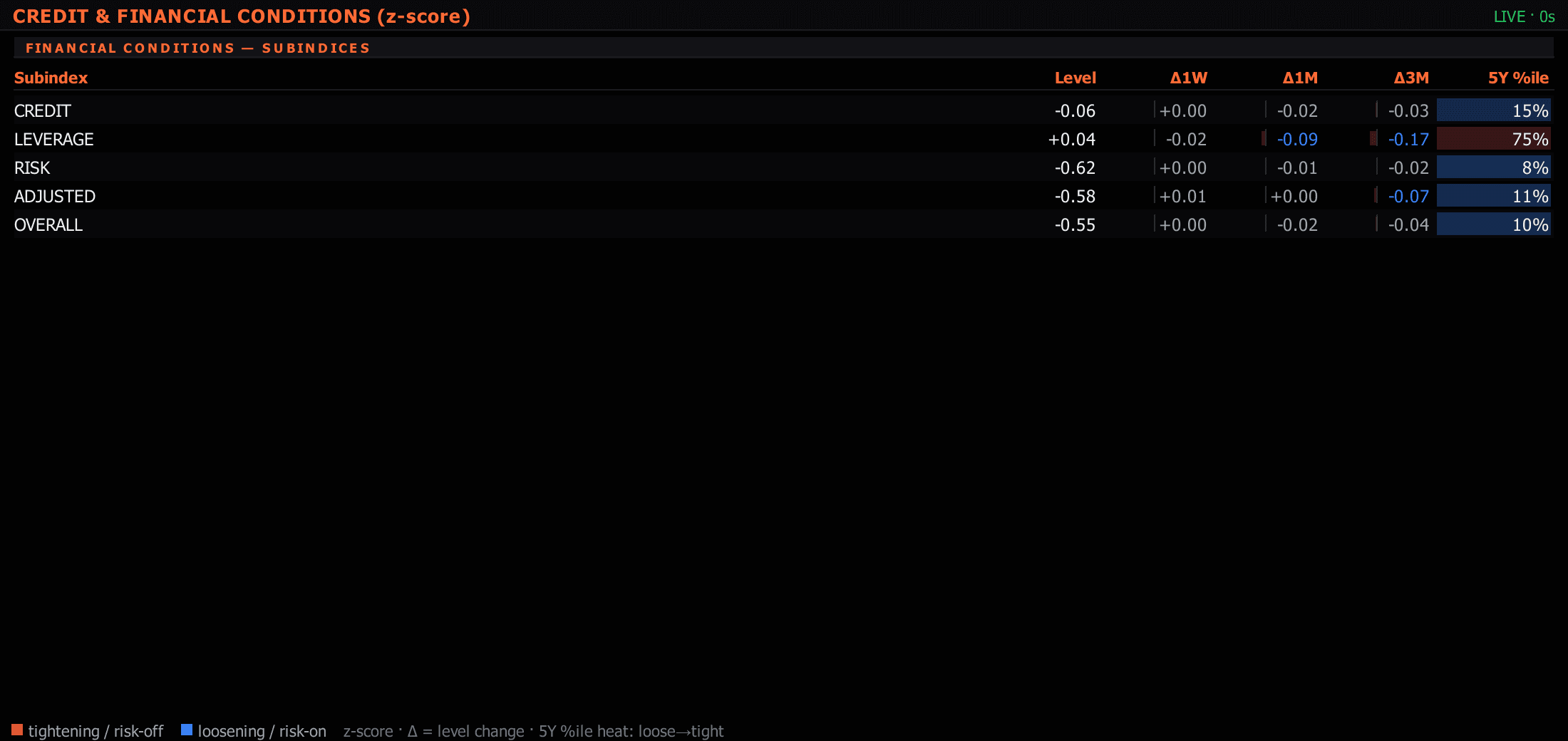
HY / IG / AAA / BBB OAS + CDX indices + EMBI + regime classifier.
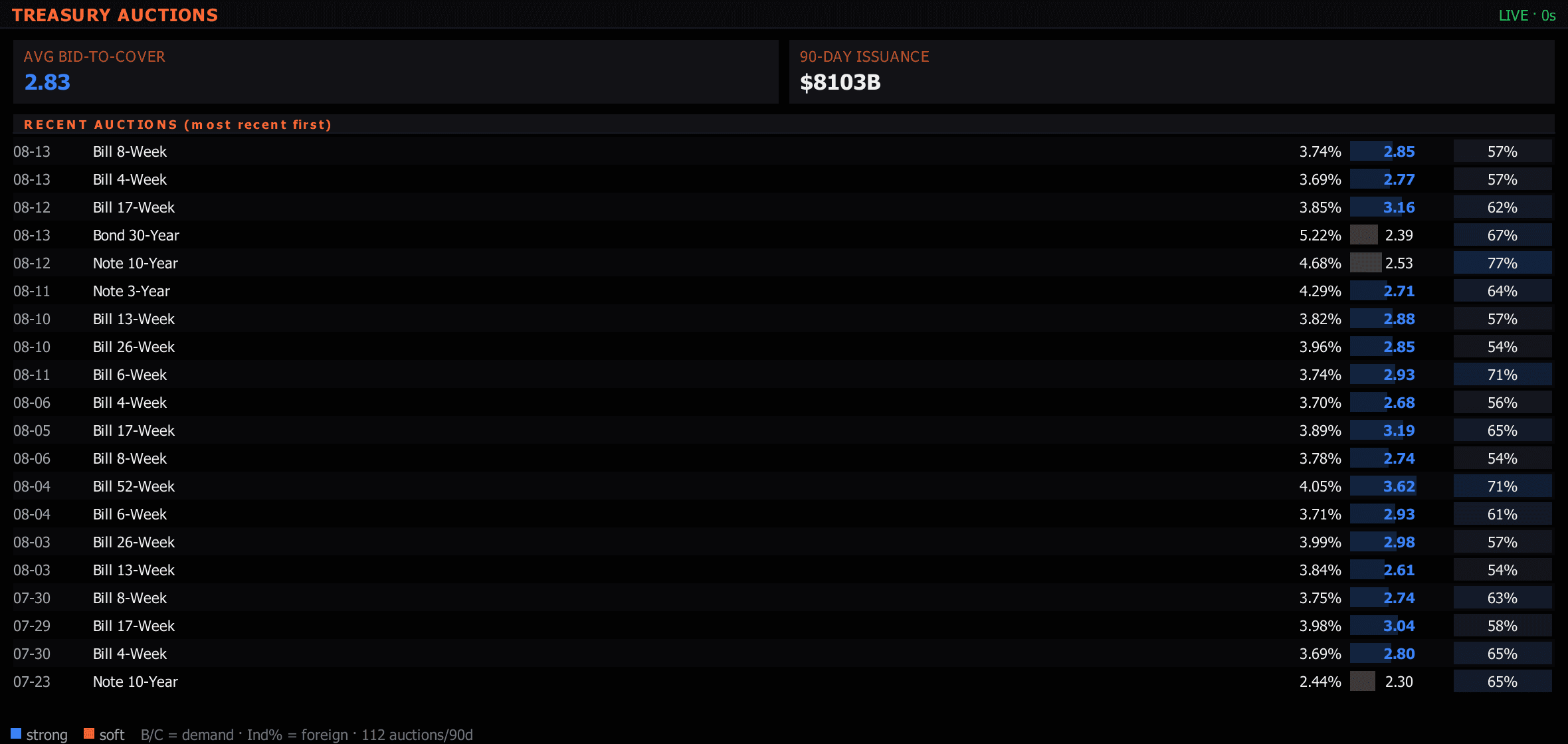
Last 90 days of US Treasury auction results.
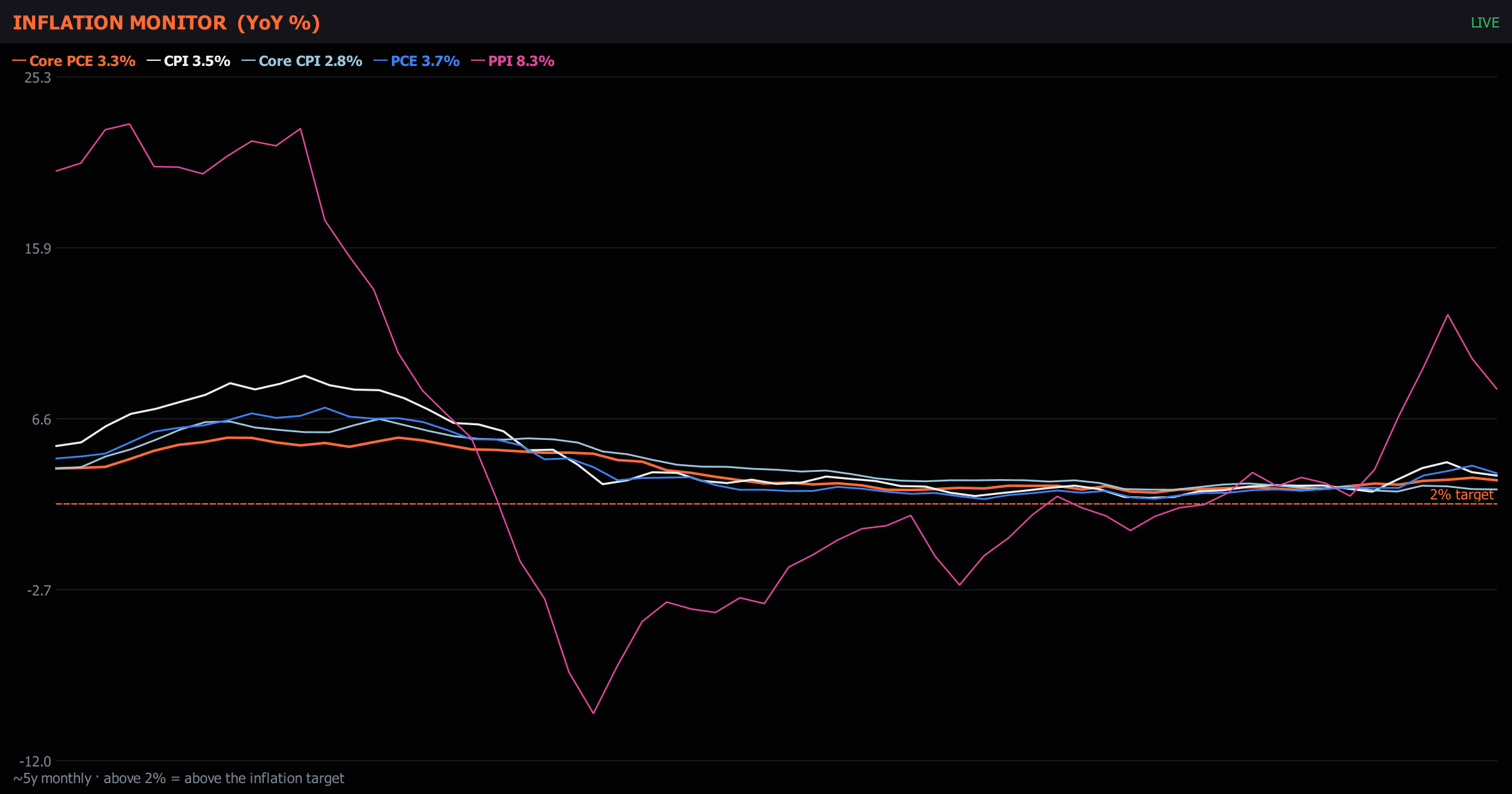
CPI / Core CPI / PCE / Core PCE / PPI YoY vs the 2% Fed target.
Releases + central-bank meetings + consensus + actuals.
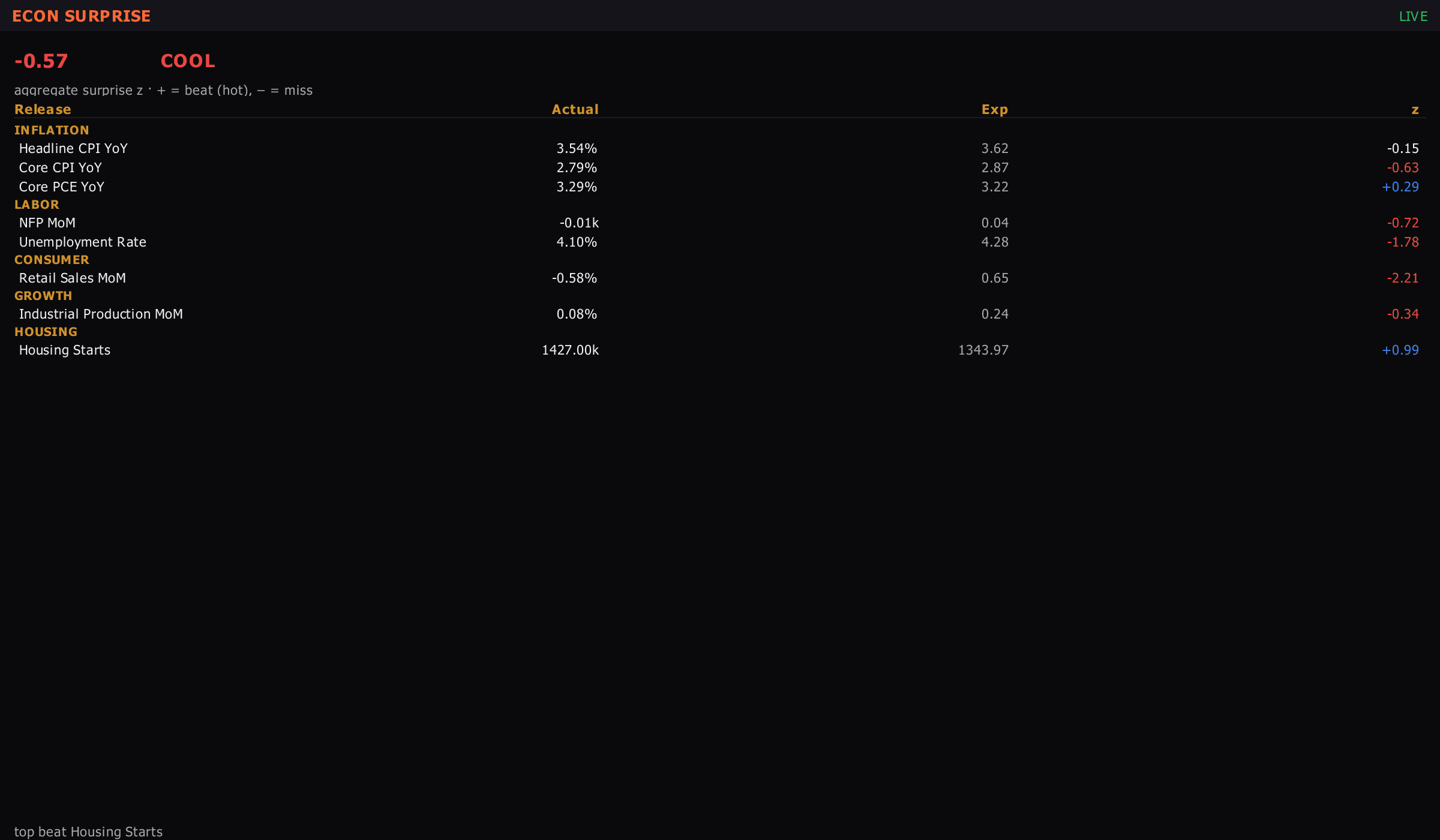
EWMA of actual-vs-consensus economic releases.
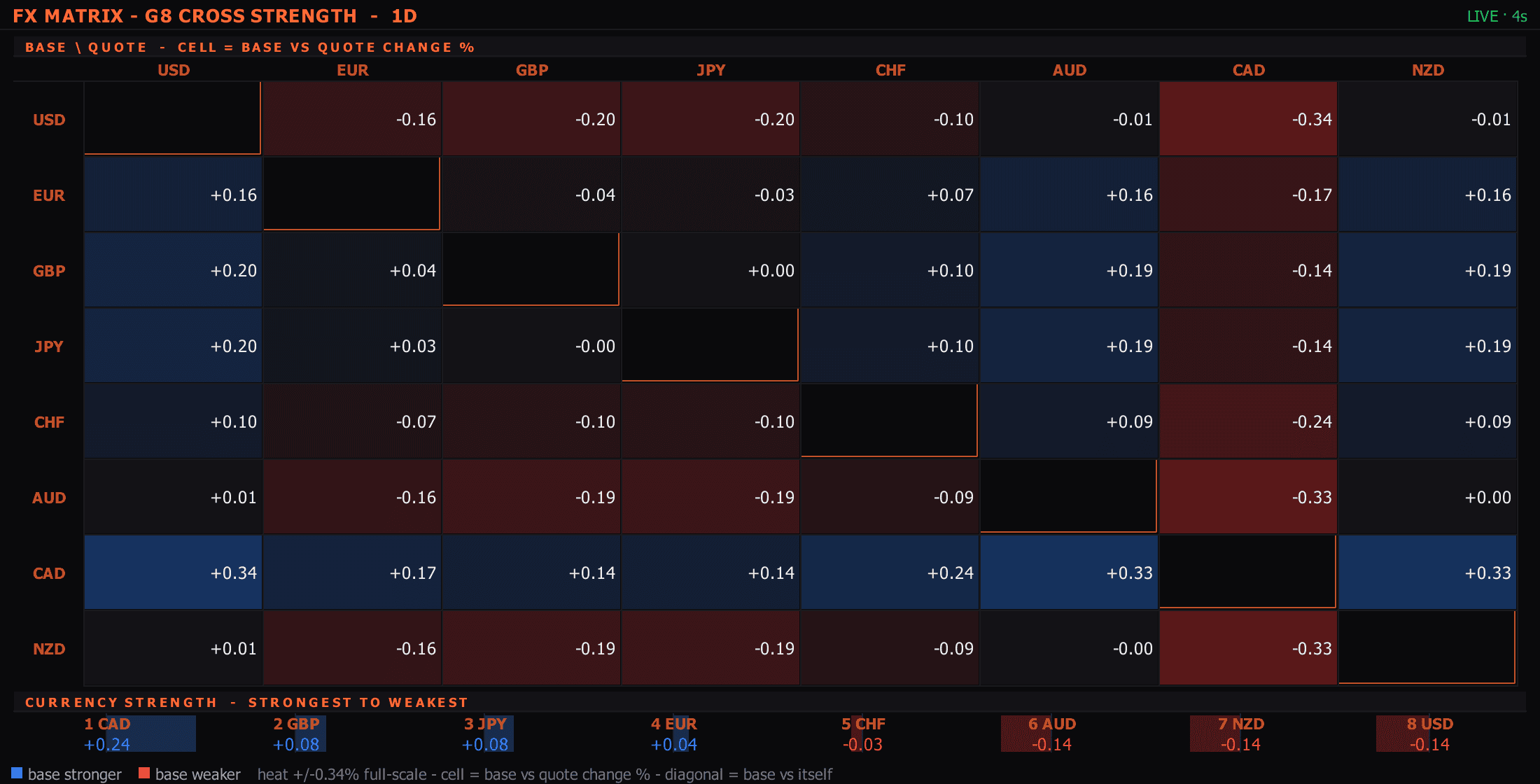
8×8 G8 cross-rate grid with hot-cell coloring.
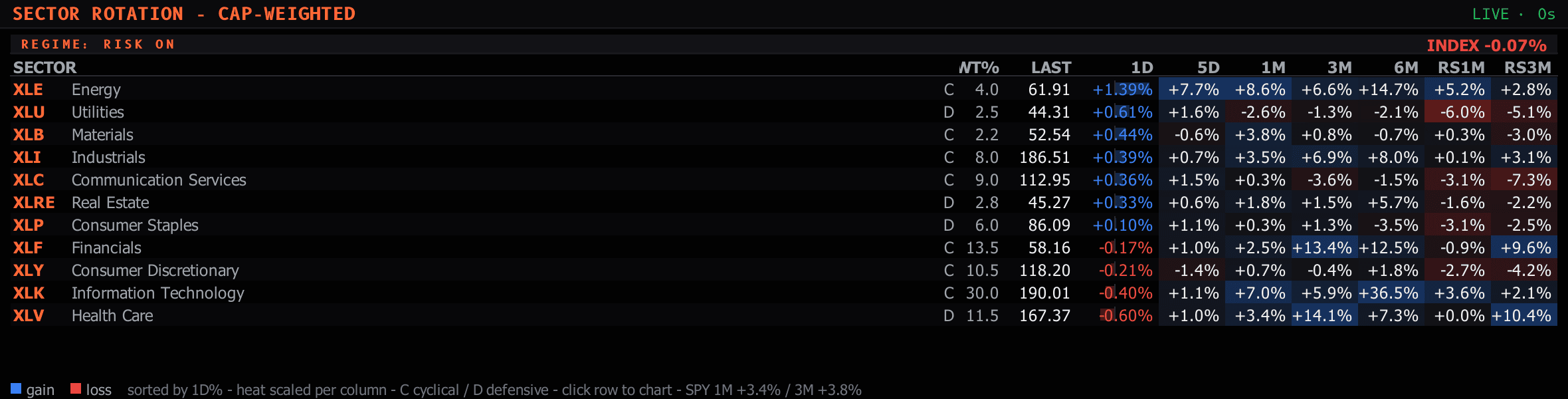
11 SPDR sector ETFs vs SPY across multiple horizons + RS + regime classifier.
Daily creations + redemptions across major ETFs by category.
Live leadership meter for the seven megacaps that move the Nasdaq — each name's buy/sell pressure side by side — plus a blended-basket footprint. Read who's actually leading the index, in the heat of the moment.
Recent + upcoming IPOs with pricing range, final price, first-day pop, status, and above-range demand barometer.
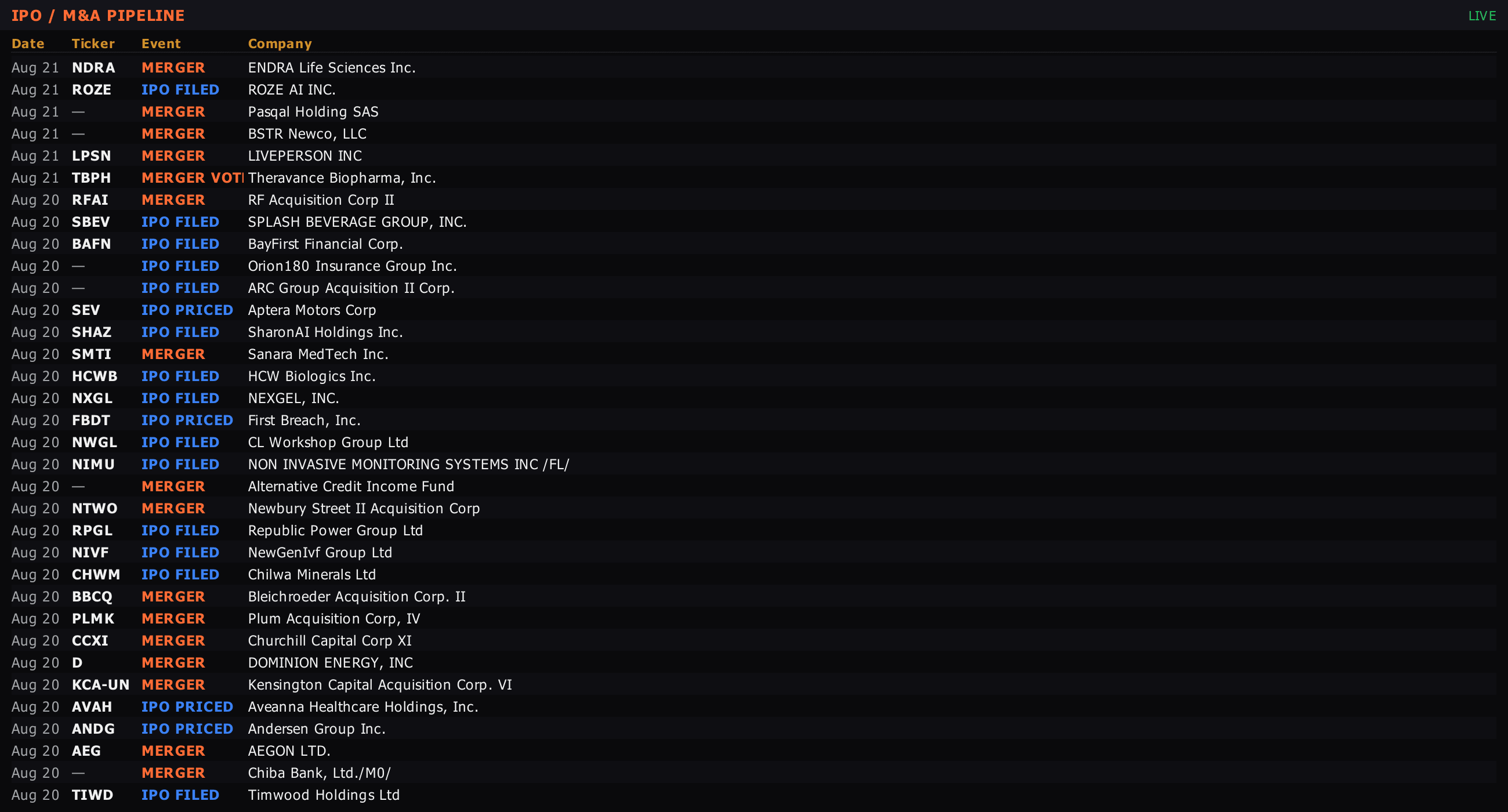
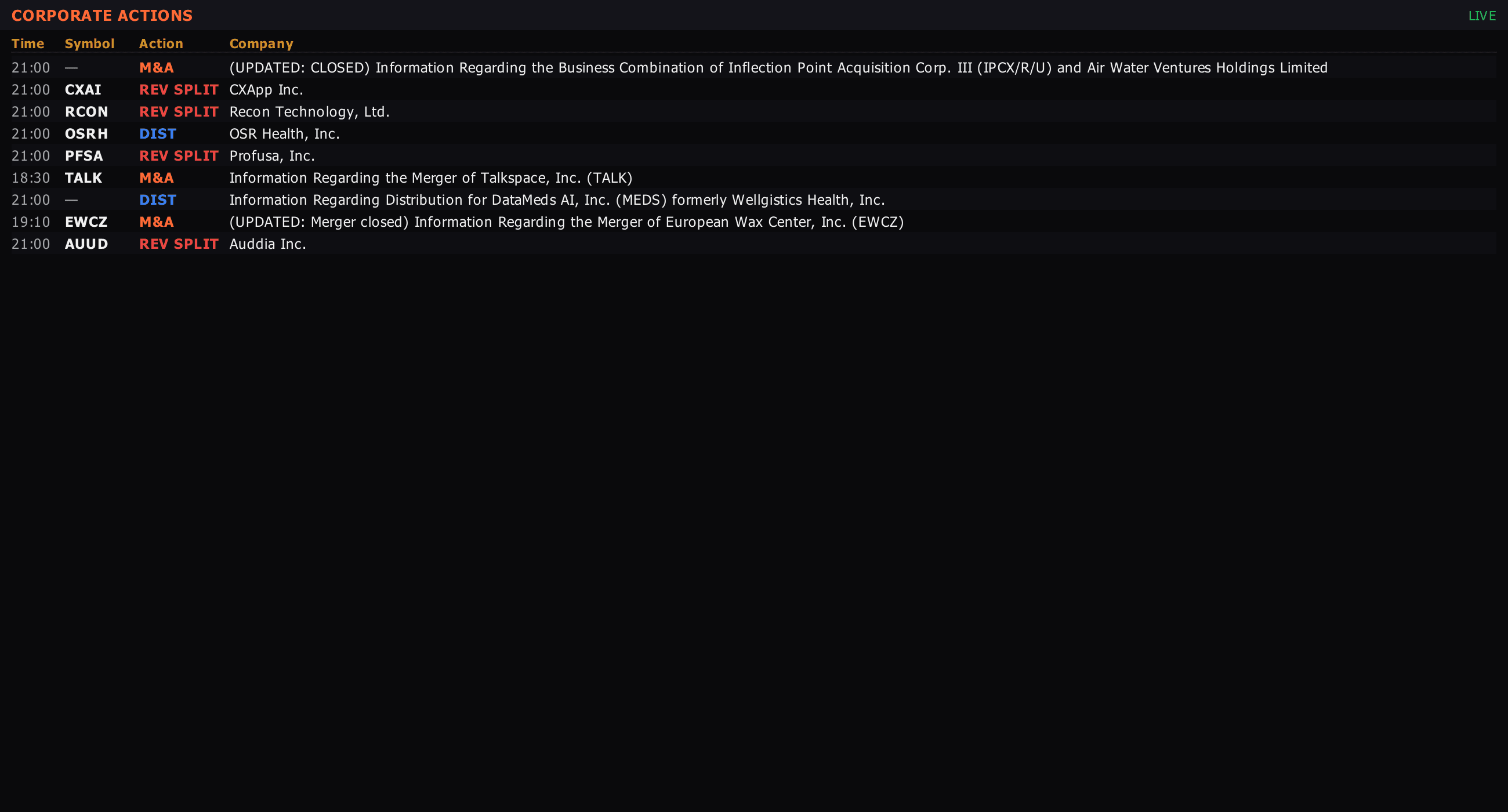
Splits / dividends / spinoffs / M&A / rights / buybacks.
Kalshi + Polymarket contracts on macro, elections, geopolitics.
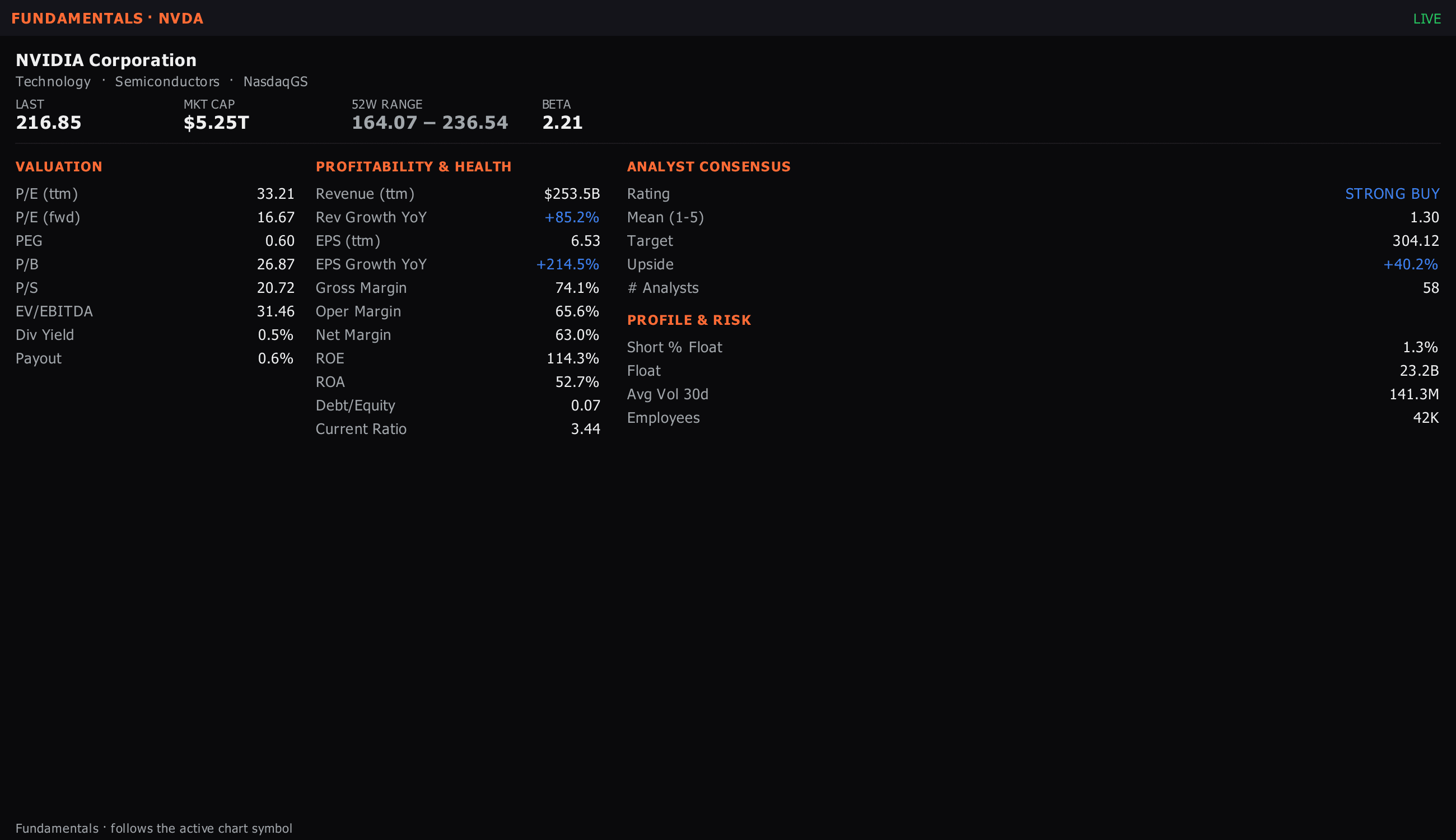
Valuation, margins, growth, balance-sheet snapshot for any equity.
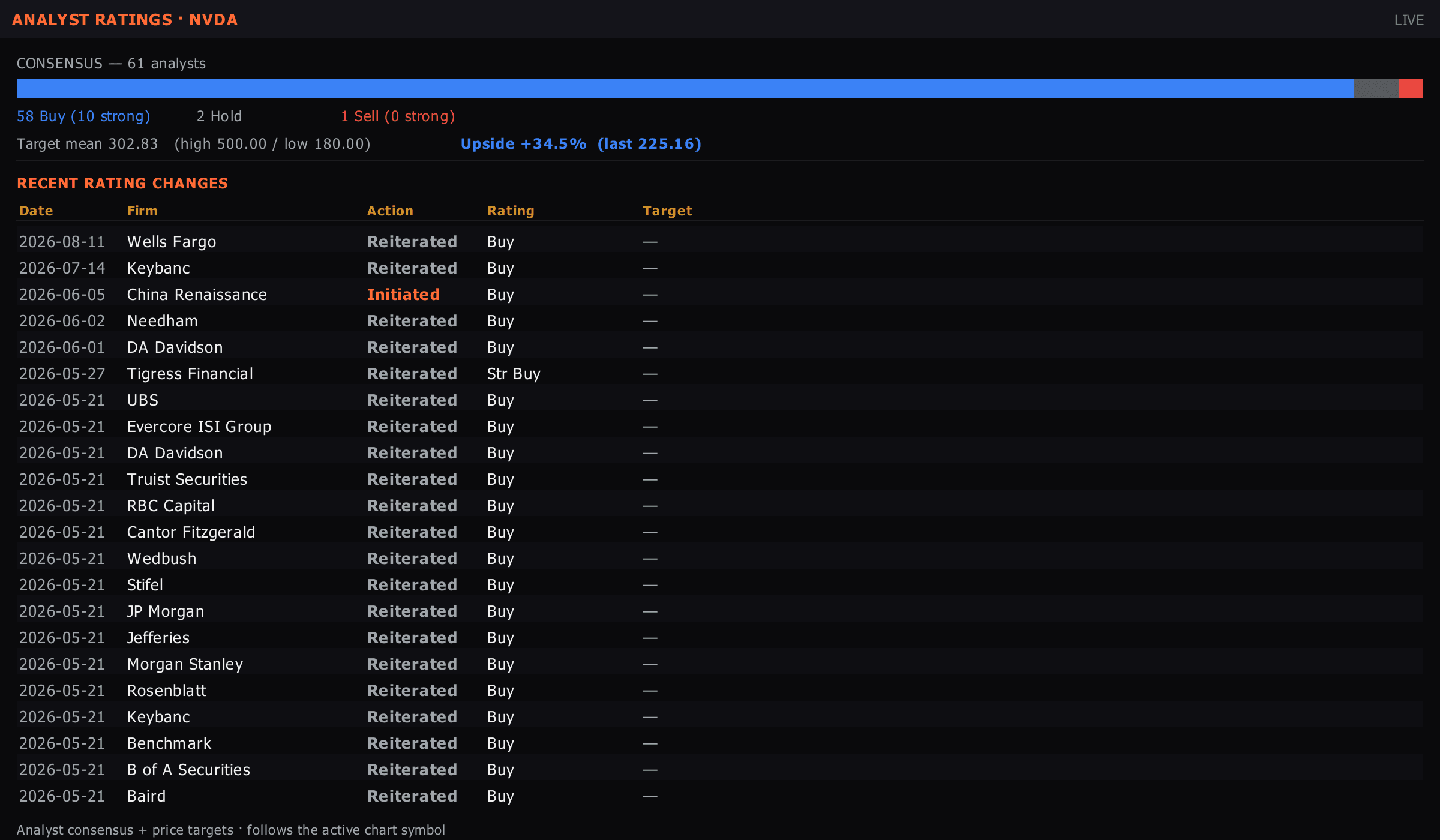
Street consensus + price targets + rating-change history.
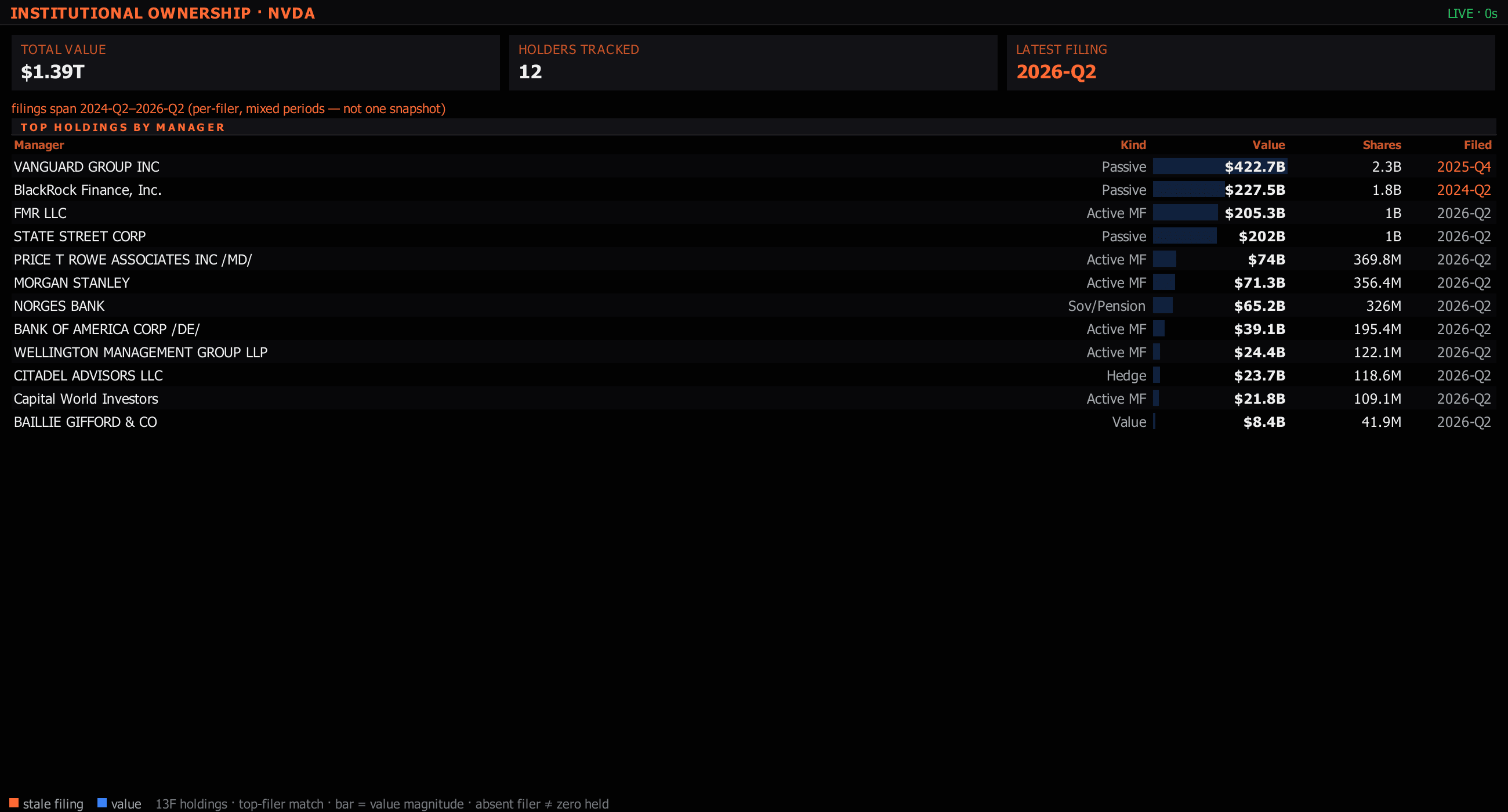
13F filings with QoQ position actions + concentration register.
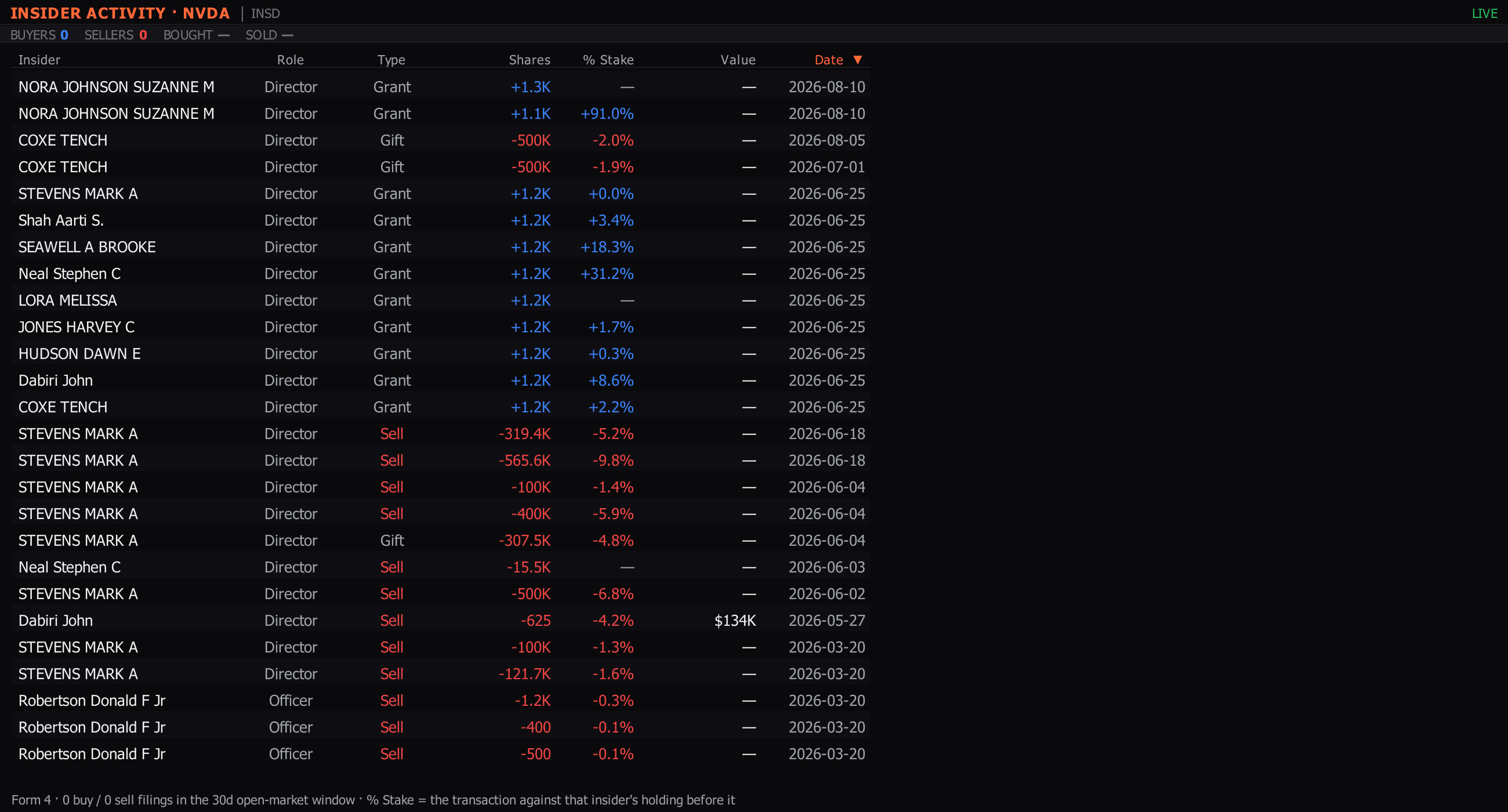
SEC Form 4 filings with cluster-signal detection.
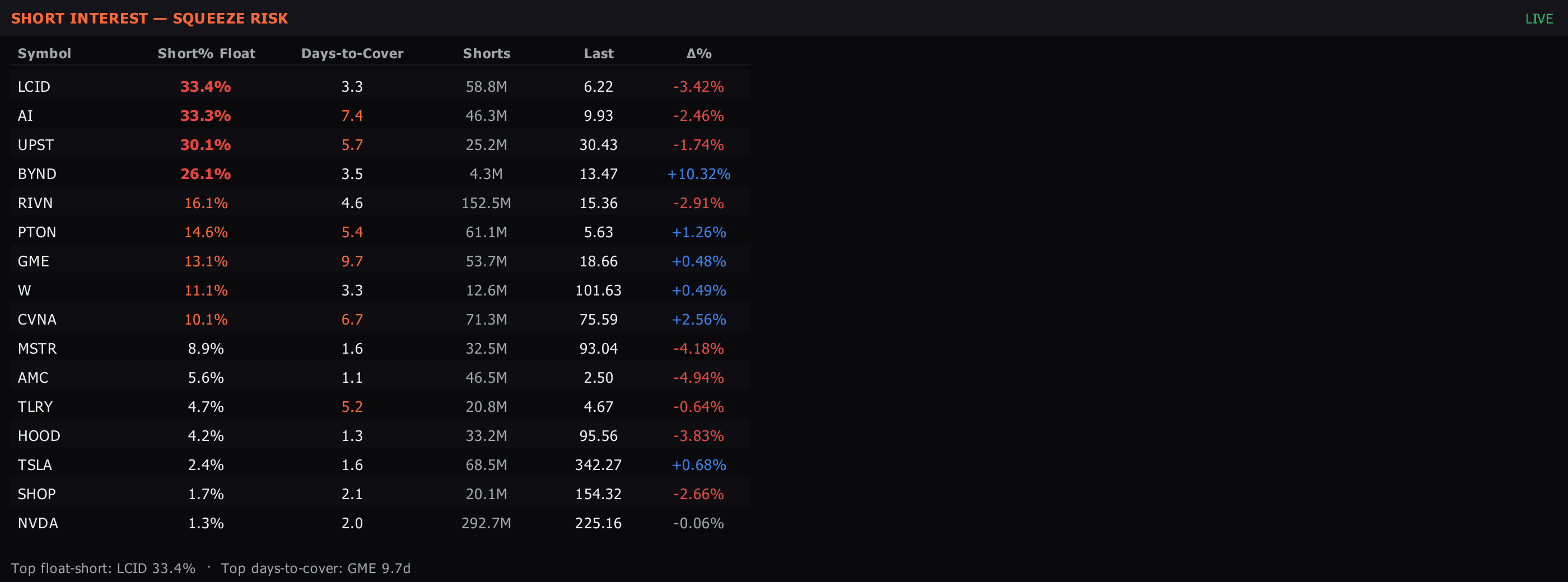
DTC + % float short + borrow rate + squeeze-setup scoring.
Next print countdown + 8-quarter surprise history.
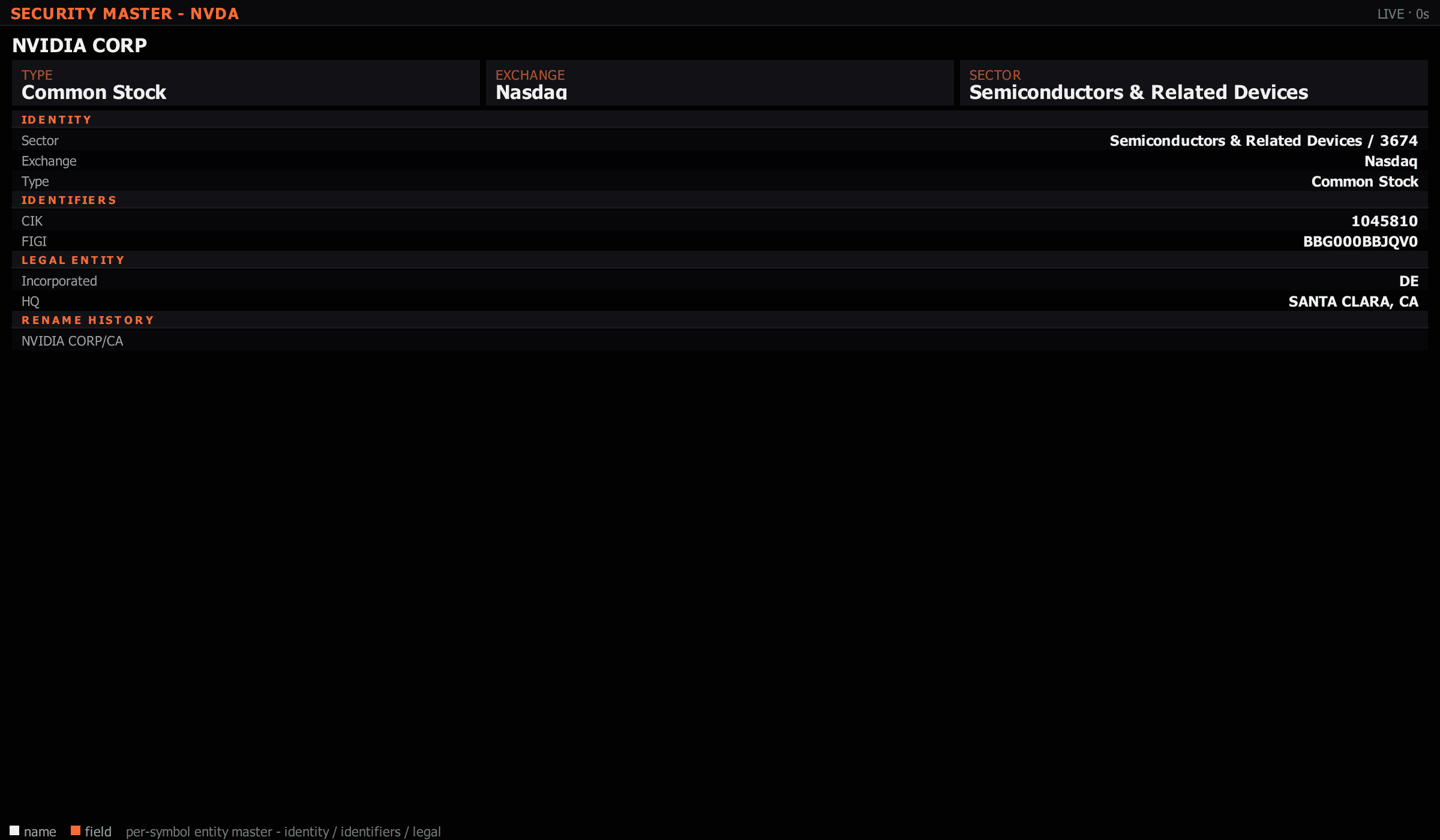
One-pager security description — vitals, valuation, consensus, headlines, drill-down mnemonics.
Cash + buying power + margin + day-trade counter.
Open positions with realised + unrealised P&L per leg.
Working orders — what's currently resting in the market.
Staged order ticket — bracket / OCO / TWAP / VWAP.
Reviewable trade entries with notes, screenshots, performance.
Price, volume, and script-driven alerts with sound + push.
Drag a panel's tab to any edge of the workspace and it snaps to that side. Drop it on another panel's tab bar to stack as a tab instead of splitting. Drop it outside the window and it detaches into its own floating window, which is what multi-monitor setups are built out of.
The arrangement persists across sessions. To keep a specific one, save it under Presets › Save Current Layout As… and reload it from Presets › My Layouts. The terminal also opens on a fixed desk every launch — Preferences › General › Opening layout chooses which one, or hands the launch back to your last layout.
Panels that read a symbol — the DOM, footprint, TPO, fundamentals, news — follow the active one through link groups. The coloured dot in a panel's header picks its group, so you can run two or three independent symbol groups on the same screen.
Picking a symbol from a panel's own header detaches that panel from its group and pins it to what you chose. That is how a multi-instrument wall is built: each ladder on its own symbol, none of them following the chart.