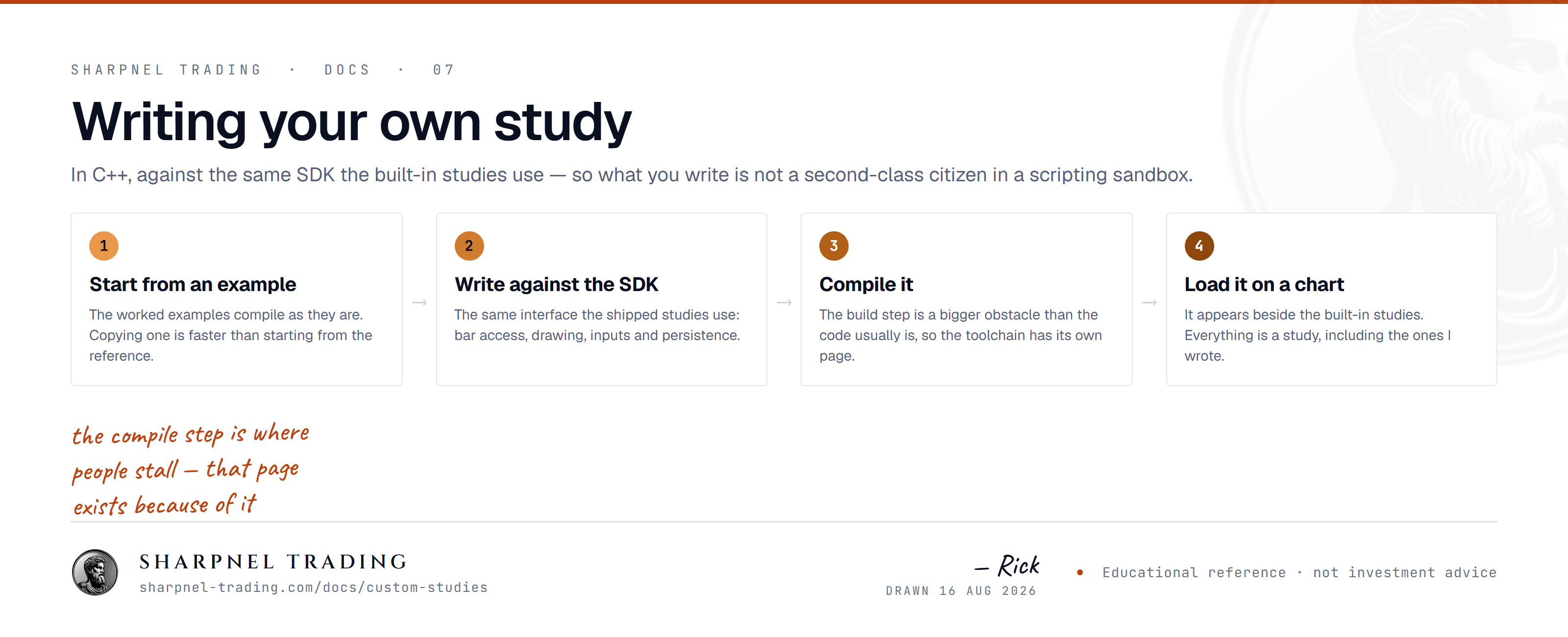
Write studies in native C++, compile them in the built-in editor, and load them in the desktop terminal. The compiler ships bundled — no toolchain to install.
“SharpScript is the built in language for writing your own studies and strategies, how the terminal is extended beyond its stock tools.”
The Sharpnel desktop terminal ships a small, frozen C ABI for custom studies. You write a study in C or C++, compile it to a standalone DLL against a single header, and the terminal loads it as a first-class study beside the built-ins (SMA, EMA, RSI, Delta). No Sharpnel source, no Qt, no Skia, no STL crosses the boundary — just plain-old-data structs and function pointers.
You do not need to leave the terminal to do any of this. The Study Editor — a built-in code editor with a Compile & Load button — is where you write, build, and hot-load a study onto a chart in one step.
As of 1.0.144 the C++ study compiler ships inside the app. You do not install Visual Studio, a C++ toolchain, or anything else — open the Study Editor, paste or write a study, and Compile & Load. It builds on a fresh install with zero setup. (A trimmed x86-64 toolchain is bundled rather than a full multi-architecture distribution, to keep the download lean.)
Everything happens under the terminal's Custom Studies menu:
Custom Studies › Study Editor… opens the editor. It comes preloaded with a working starter study.Compile & Load (or Ctrl+Enter). The bundled compiler builds your DLL and the OUTPUT pane shows the result.Custom Studies › Add Study and dropped straight onto the active chart — no restart, no file juggling.The host resolves and validates every required export before registering. If any required symbol is missing, the whole plugin is rejected — there is no partial registration. One study per DLL in v1.
alert() output with delivery.