Bring-your-own-data broker connection, depth entitlements, and the trading safety model (paper by default, explicit ARM).
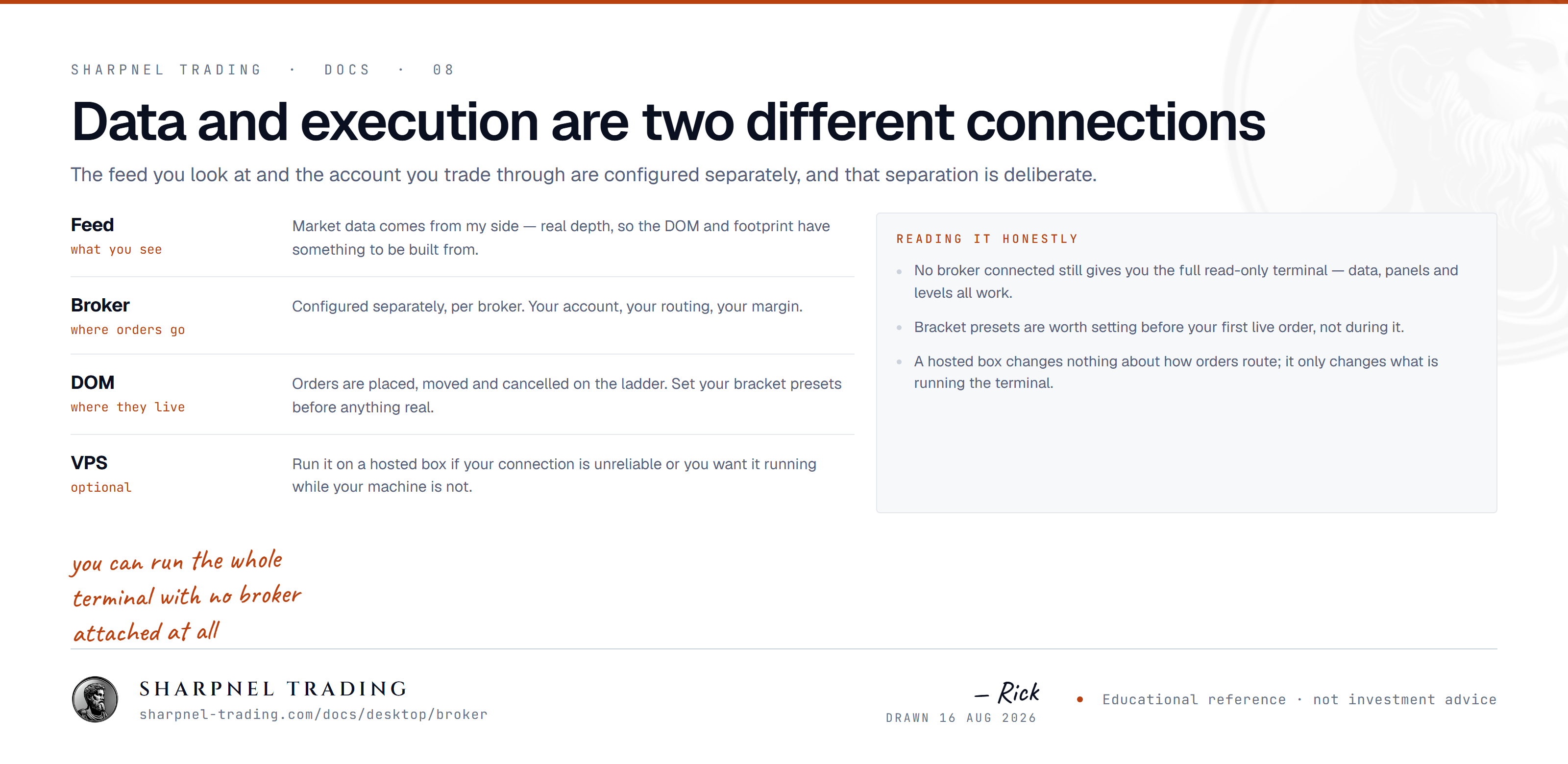
Read this first, because it's the thing people get backwards: you do not need to connect a broker to see live data. Sign in on Pro and the live order-flow view streams immediately — the DOM ladder, footprint, cumulative delta, pull/stack, and the tape on the major futures complex (ES, NQ, and the rest of the majors). It is part of your subscription, not something you wire up. Free is capped at delayed futures bars.
You connect your own broker only when you want something that is genuinely tied to your own account: broker-direct depth under your own entitlements (for example full equity Level-2), or your account's own positions and orders. When you do, that L1/L2 streams directly from your broker to your machine — it is not relayed through Sharpnel, repackaged, or resold. Your data agreement stays between you and your broker; Sharpnel never sees your credentials and never sits between you and your feed.
Connect any of these from the Broker menu → Connections... (Ctrl+B). The badges below are the honest state of each connector — anything marked In certification or Not supported yet cannot be connected today. Don't see yours? Request it — new connectors are prioritized by subscriber demand.
| Interactive Brokers | Futures, equities, and options — broker-direct L1/L2 through the IBKR gateway. Live |
| Ironbeam | CME futures depth. Live |
| OANDA | FX majors, minors, and crosses. Live |
| Alpaca | US equities and options. Live |
| tastytrade | Options-focused equities and futures. Live |
| MetaTrader 5 | FX and CFDs through the bundled SharpnelBridge EA in your own MT5: quotes, Level-2 depth and orders over localhost, token gated, no DLL. MetaTrader 4 is not supported yet. Live |
| FIX 4.4 | Generic FIX for any venue that speaks it. Advanced |
| Crypto market data | Public Level-2 depth from Binance, Bybit, OKX, Kraken, Hyperliquid, and Deribit — no account, no API key. Free |
| Crypto account trading | Live trading on Bybit, OKX, Binance, Kraken, and Deribit with your own keys. Live |
| Rithmic | The trading connector is pending certification — you can't connect a Rithmic account for live data or order routing yet. What works today: journal import of your Rithmic fills (shipped in 1.0.55). In certification |
| Tradovate | Not supported yet — don't buy Sharpnel today if you need Tradovate. It's on the roadmap because it's the default platform for multi-firm futures prop accounts, but there is nothing you can connect right now. Not supported yet |
Broker-account connectors — real-time depth and live execution — are part of Pro; the public crypto depth feed is free. Whatever you connect, your data agreement stays between you and your broker (see Bring your own data above).
Everything lives in one place: the Broker menu → Connections..., or Ctrl+B. Pick a connector from the dropdown at the top; the dialog shows a live status card on the left (a connection LED plus a LIVE / RECONNECTING / OFFLINE pill) and the credential editor for that connector on the right.
Test | Checks the connection before you commit — it saves nothing. On connectors that run through a local broker gateway this is a real probe, not a field check: it tells you whether the gateway is running, whether you still need to finish the sign-in, or whether the session is live. On other connectors it validates the form so Connect won't fail on something obvious. |
Connect | Authenticates and starts streaming. Connecting is an explicit action every launch — the terminal never auto-reconnects to your broker behind your back. |
Disconnect | Tears the data session down honestly: depth unsubscribed, session closed, LED back to Offline. Shown on connectors whose live session supports it, enabled while that session is online. |
Cancel | Closes the dialog without touching anything. |
Non-secret fields — account ID, gateway address, symbols, venue choices — are remembered from your last successful connect, so you stop retyping them every launch. Secrets are never part of that: see below.
PAPER ACCOUNT in muted grey or LIVE ACCOUNT in loud amber, before you ever press Connect.Once a connector goes live, your depth streams straight into the DOM ladder. The DOM draws real depth only — until a feed is connected it shows an explicit empty state rather than a fabricated book, and the status LED tells you which feed it's waiting on.
Add Panel → Order Flow → DOM V2 (Ctrl+Alt+D) opens the DOM, and every press after the first adds a new, independent ladder pinned to its own symbol.The ladder is built so the dangerous click is hard to make and the safe click is cheap. These are the defaults, in the order they protect you:
PAPER by default | Ladder trading routes to the built-in paper engine, and the MODE chip in the DOM header says so. Paper limit orders rest in a real book and fill only when the live tape actually trades through them; paper market orders fill on the next tick with honest slippage. Live order routing from the ladder is the next phase — and it will sit behind these same gates. |
SAFE until you ARM it | Every trade surface — ladder clicks, the BUY/SELL buttons, Flatten, the cancel-all Cancel button — is gated on the ARM chip in the DOM header. The ladder starts SAFE on every launch; the armed state is never persisted. Click the chip to arm: ARMED is the only red word in the header. Click a SAFE ladder and it flashes how to arm instead of trading. |
Hard quantity cap | The QTY chip sets your one-click size — click cycles the presets (1, 2, 3, 5, 10), the mouse wheel fine-steps it — and it is hard-capped at 10 per click. A fat-fingered scroll cannot 100-lot you. |
Brackets on entry | TP and SL chips set bracket offsets in ticks (the BRKT chip picks a named template; the wheel fine-tunes). When an entry fills, the engine spawns the protective pair automatically — target and stop, one cancels the other. |
Chip-cancel is always allowed | Clicking a working-order chip on the ladder pulls that single order even when the ladder is SAFE — cancelling one order only ever reduces risk. The header's Cancel button (which pulls every working order on the ladder's symbol) and Flatten sit behind the ARM gate like the rest of the buttons. |
No paper on top of a live account | If a broker session with live order routing is online, ladder paper trading disables itself rather than let simulated fills run alongside a real account. |
Add Panel → Trading → Positions (Ctrl+Shift+P) — every fill updates it.Add Panel → Trading → Orders (Ctrl+Alt+U) — the blotter for broker-routed orders.