The full stock tearsheet, opening on the Corporate Blueprint — the company as a radial map: filed subsidiaries by jurisdiction with offshore flagged, 13F holders, counterparties named in its own 10-K, disclosed customer concentration — with the chart, options chain and dealer-gamma book one tab away; identity + financials + dividends/buybacks left; ratings + squeeze risk over ownership + insiders right. Click any ticker and the whole desk follows
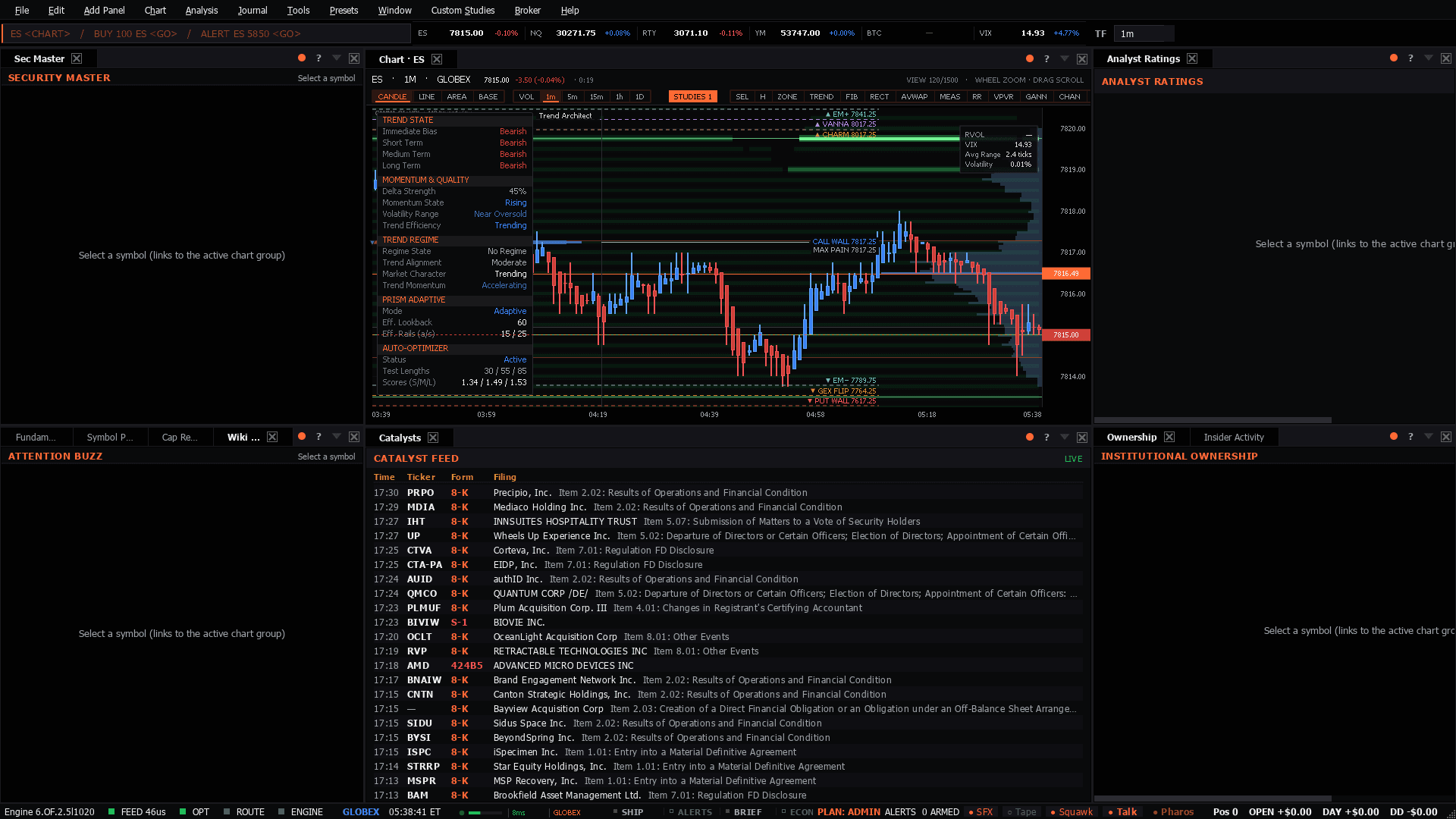
The full stock tearsheet, opening on the Corporate Blueprint — the company as a radial map: filed subsidiaries by jurisdiction with offshore flagged, 13F holders, counterparties named in its own 10-K, disclosed customer concentration — with the chart, options chain and dealer-gamma book one tab away; identity + financials + dividends/buybacks left; ratings + squeeze risk over ownership + insiders right. Click any ticker and the whole desk follows
Use it when: First look at a company you do not know, or a name that has moved and you need the whole file rather than a headline.
Not a futures board. Open it when you are researching a company, not when you are trading an index.
Presets in the menu bar, under the category this desk belongs to — one click applies the whole layout, and a checkmark tracks which one is active.Ctrl+P, which finds it by name.Add Panel menu.The tell: The combination worth stopping on is insiders buying while the Street is cutting. Ratings follow price; Form 4 filings do not.
15 panels, read straight from the preset definition in the desktop build:
